
Astarion for Genesis 8 Male
BBlK
22-Sep-25
0
Related Articles
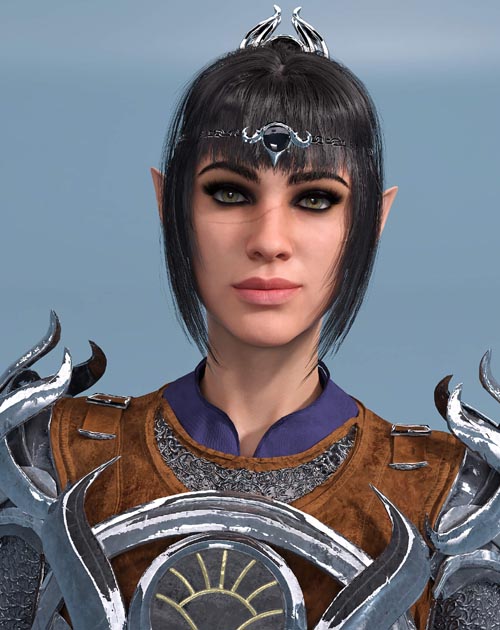
Shadowheart for Genesis 8 Female
On 30-Sep-23
by
Shadowheart for Genesis 8 Female Detail link: Shadowheart...
Shadowheart for Genesis 8 Female Detail link: Shadowheart...
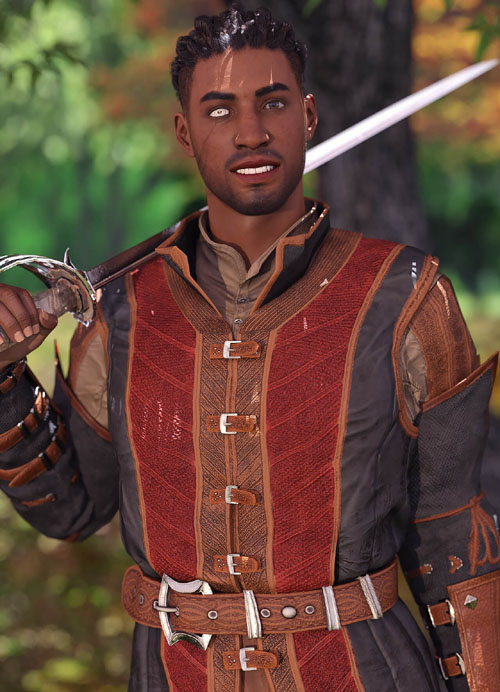
Wyll for Genesis 8 Male
On 16-Nov-23
by
Wyll for Genesis 8 Male Detail link: Wyll for Genesis 8...
Wyll for Genesis 8 Male Detail link: Wyll for Genesis 8...
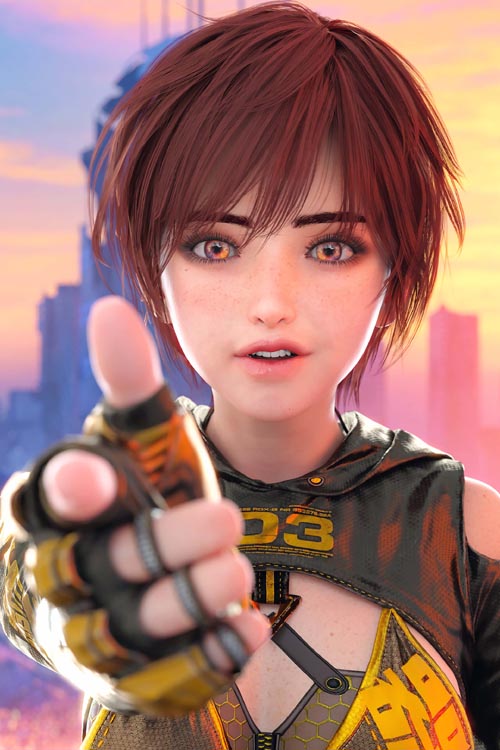
Lily for Genesis 8 Female
On 19-Jun-25
by
Lily for Genesis 8 Female Detail link: LILY from the...
Lily for Genesis 8 Female Detail link: LILY from the...
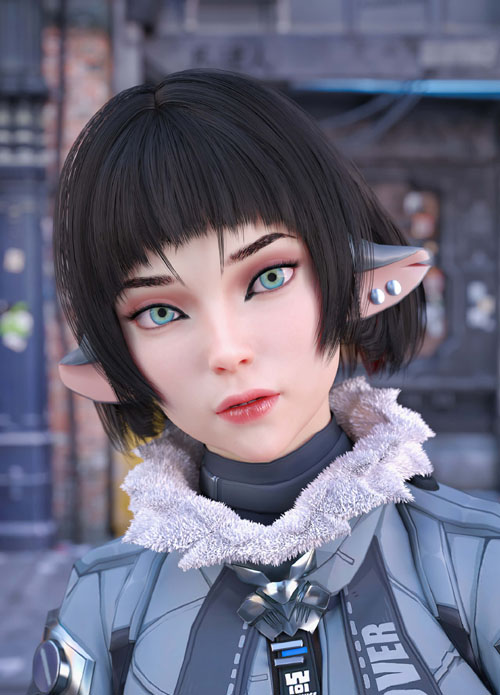
Jane Doe for Genesis 8 Female
On 01-Jun-25
by
Jane Doe for Genesis 8 Female Detail link: Jane Doe from...
Jane Doe for Genesis 8 Female Detail link: Jane Doe from...
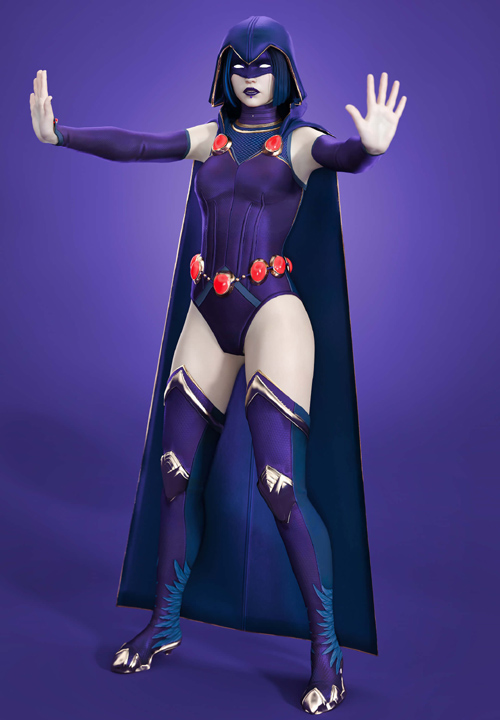
Raven for Genesis 8 Female
On 04-May-25
by
Raven for Genesis 8 Female Detail link: Raven for Genesis...
Raven for Genesis 8 Female Detail link: Raven for Genesis...

Astarion for Genesis 8 Male
Detail link: https://www.renderhub.com/dumitas/astarion-for-genesis-8-male
Astarion for Genesis 8 Male
Astarion from Bladur Gate 3 for Genesis 8 Male
THIS PRODUCT CONTAIN:
CHARACTER:
- Astarion for Genesis 8 and 8.1 as separated scene subsets
> Morphs Applied
> Skin Applied
> Equipped with Doublet Outfit
> Equipped With Hair
> Equipped With Eyebrows
MORPHS:
- Astarion Body and Head Morphs apply and remove preset
> Morphs: DUM Astarion Head / DUM Astarion Body
- Astarion Ears apply and remove preset
> Morph: DUM Astarion Ears
MATERIALS:
- Apply Skin
HAIR:
- Astarion Hair
> Short hair no need for bones
- Astarion Eyebrows
OUTFITS:
- Astarion Outfit (Wereable Preset)
> Astarion Shirt
> Astarion Pants
> Astarion Boots
- Camp Outfit (Wereable Preset)
> Camp Shirt
> Camp Pants
> Camp Shoes
Everything comes with high quality custom textures to enhance your renders.
Install directory:
People/Genesis 8 Male/Characters/Dumitas/BG3/Astarion/
The file comes ready to install using Install Manager to make it easy to uninstall or change location, you can also install in manually using free tools such as 7-Zip. (Install Manager Guide : daz-how-to-use-install-manager-dim)
If you notice any errors or have any suggestions, feel free to send me a direct message. I'm always available to respond and will do my best to address any issues. Thank you for your input!
DOWNLOAD

If link broken, comment under article, we will update it
Category: Other Vendors
Related Articles
Shadowheart for Genesis 8 Female
On 30-Sep-23
by
Shadowheart for Genesis 8 Female Detail link: Shadowheart...
Shadowheart for Genesis 8 Female Detail link: Shadowheart...
Wyll for Genesis 8 Male
On 16-Nov-23
by
Wyll for Genesis 8 Male Detail link: Wyll for Genesis 8...
Wyll for Genesis 8 Male Detail link: Wyll for Genesis 8...
Lily for Genesis 8 Female
On 19-Jun-25
by
Lily for Genesis 8 Female Detail link: LILY from the...
Lily for Genesis 8 Female Detail link: LILY from the...
Jane Doe for Genesis 8 Female
On 01-Jun-25
by
Jane Doe for Genesis 8 Female Detail link: Jane Doe from...
Jane Doe for Genesis 8 Female Detail link: Jane Doe from...
Raven for Genesis 8 Female
On 04-May-25
by
Raven for Genesis 8 Female Detail link: Raven for Genesis...
Raven for Genesis 8 Female Detail link: Raven for Genesis...
Information
Users of Guests are not allowed to comment this publication.