
Lily for Genesis 8 Female
BBlK
19-Jun-25
1
Related Articles
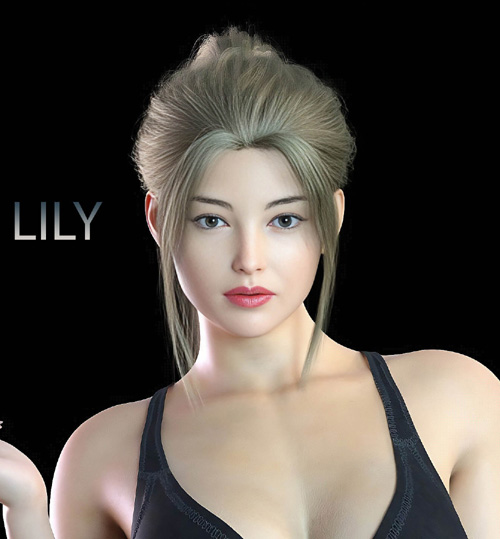
Lily Morph for Genesis 9
On 15-Apr-24
by
Lily Morph for Genesis 9 Detail link: -Lily For Genesis 9...
Lily Morph for Genesis 9 Detail link: -Lily For Genesis 9...
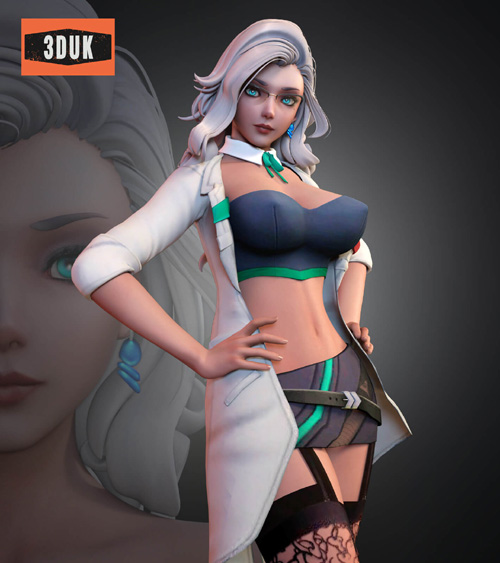
Subverse Dr Lily for G8F
On 23-Apr-25
by
Subverse Dr Lily for G8F Detail link: Subverse Dr Lily For...
Subverse Dr Lily for G8F Detail link: Subverse Dr Lily For...
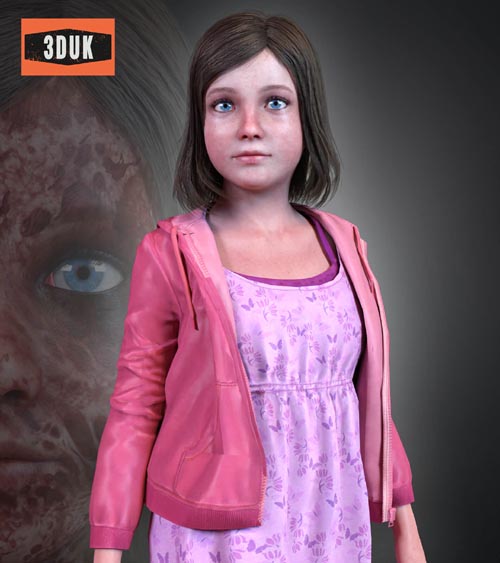
TEW Lily Castellanos For G8F
On 28-Jul-25
by
TEW Lily Castellanos For G8F Detail link: TEW Lily...
TEW Lily Castellanos For G8F Detail link: TEW Lily...
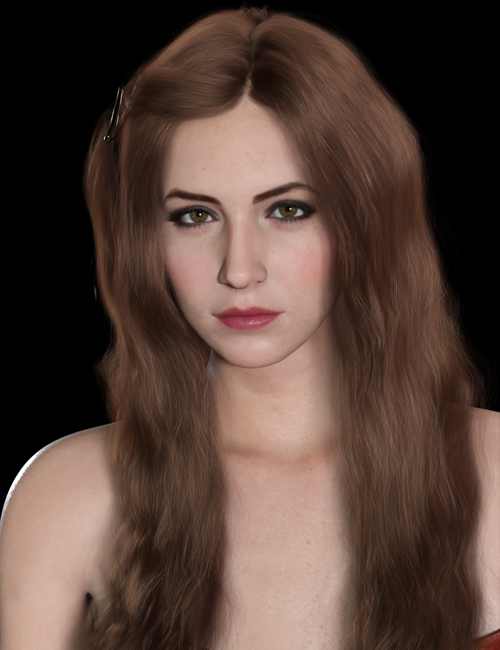
HID Lily for Genesis 8.1 Female
On 26-Mar-24
by
HID Lily for Genesis 8.1 Female Detail link: Meet Lily for...
HID Lily for Genesis 8.1 Female Detail link: Meet Lily for...

GCC Subverse Lily For G8F
On 28-Jun-22
by
GCC Subverse Lily For G8F Detail link: Warning! You are...
GCC Subverse Lily For G8F Detail link: Warning! You are...

Lily for Genesis 8 Female
Detail link: https://www.renderhub.com/dumitas/lily-for-genesis-8-female
LILY from the upcoming (PC) game Stellar Blade for Genesis 8 Female
THIS PRODUCT CONTAIN:
CHARACTER:
- LILY for Genesis 8 and 8.1 as separated scene subsets
> Morphs Applied
> Equipped with Outfit
> Equipped With Hair
> Equipped With Eyebrows
MORPHS:
- Lily Body and Head Morphs apply and remove preset
> Morphs: DUM Lily Head / DUM Lily Body
- Lily Navel Morph
> Morph: DUM Lily Navel
> Morph designed to flatten the navel when using the bodysuit
MATERIALS:
- Apply Skin
HAIR:
- Lily Hair
> Short Hair, No bones
- Lily Eyebrows
OUTFIT:
- Lily Bikini
- Lily Top
> Correction Morphs included
- Lily Rings
- Lily Pants
> Bones on every "loose" part to avoid deformations on poses.
> Mandatory to adjust after posing, to ensure better results.
- Lily Boots
BODYSUIT:
- Lily Bodysuit for Genesis 8 and 8.1 Presets
> Geoshell preset for 8 and 8.1 Female
> Custom made to look similar to the one in game
Everything comes with high quality custom textures to enhance your renders.
Install directory:
People/Genesis 8 Female/Characters/Dumitas/Stellar Blade/Lily/
The file comes ready to install using Install Manager to make it easy to uninstall or change location, you can also install in manually using free tools such as 7-Zip. (Install Manager Guide : daz-how-to-use-install-manager-dim)
If you notice any errors or have any suggestions, feel free to send me a direct message. I'm always available to respond and will do my best to address any issues. Thank you for your input!
Warning! You are not allowed to view this text.
DOWNLOAD

If link broken, comment under article, we will update it
Category: Other Vendors
Comments (1)
Information
Users of Guests are not allowed to comment this publication.