
LowPi Formations Extension
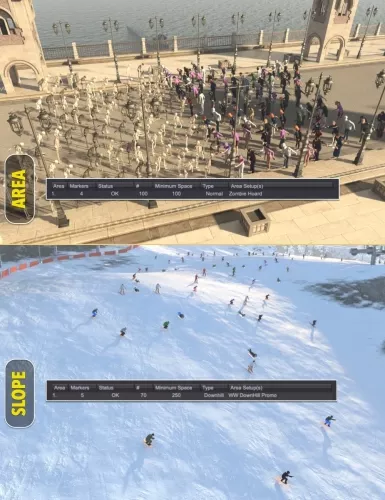
LowPi Area and Slope extension adds even more useful...
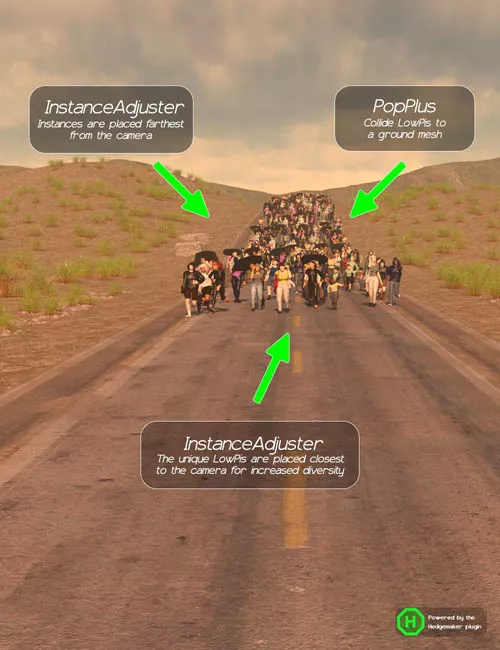
LowPi Crowd Generator Plus extension will take your LowPi...
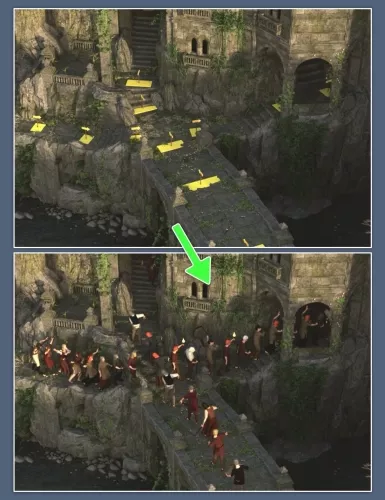
The PathTool Extension is a powerful addition to the LP...
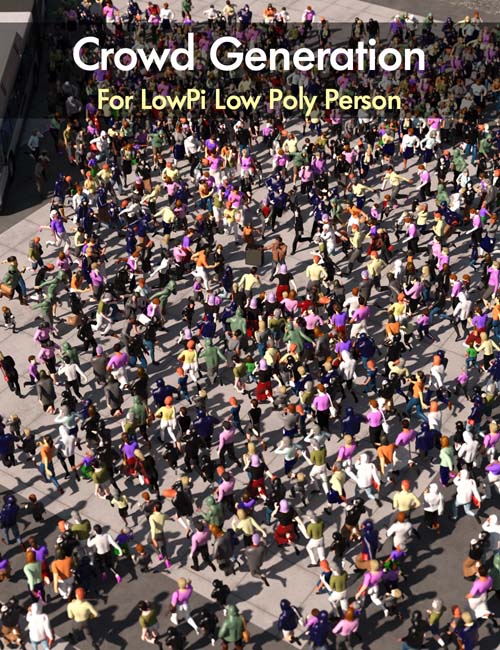
Lowpoly Crowd Creator Bundle Detail link: Details Say...
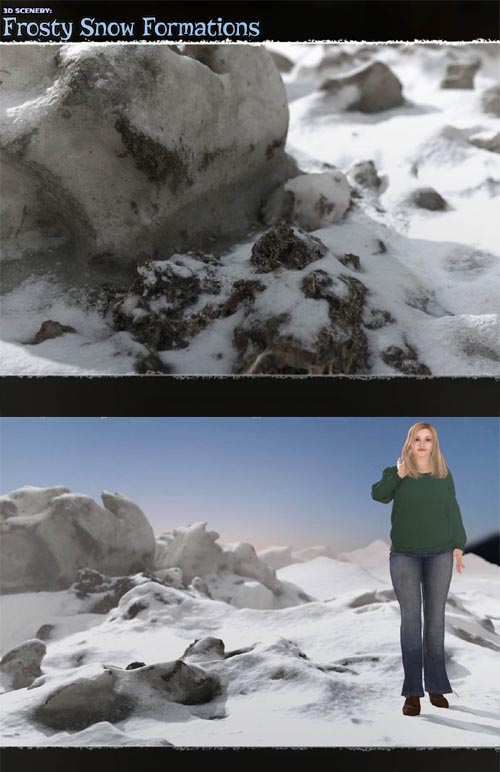
3D Scenery: Frozen Snow Formations Detail link: Take your...
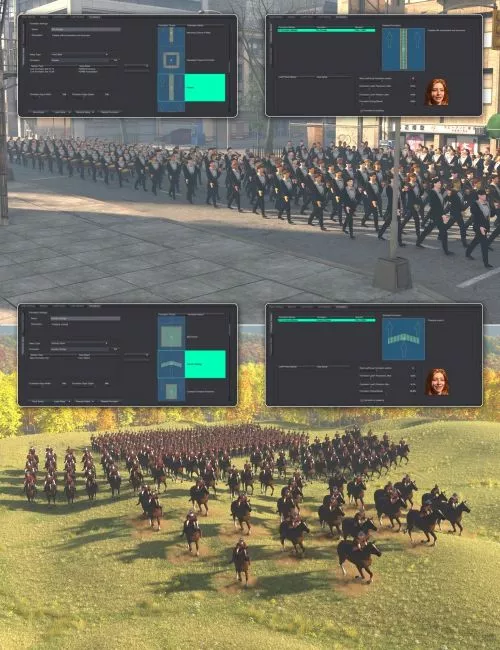
You've made random LowPi crowds, you made your LowPis walk in lines and ski downhill, how, let them stand in formations, bringing a bit of order to the random chaos of LowPi Crowd Generation.The LowPi Formations Extension comes with an extension to LP Crowd Generator, plus some additional tools, to turn LowPi instances to or from proxies, as formations holding up to 784 LowPis can put some toll on your viewport performance, especially if you had several of them in a scene.Formations can be used anywhere in your LowPi scenes where you want your LowPis to behave a bit better, now run around all over the place, but hold a formation. You can of course, as with all tools for LowPi, add a bit of jitter to the formations, as humans might not stand so perfectly aligned as drones do.To place a formation, you place an LP Formation Marker in the scene, and rotate it the way the formation should face. You use Area Sets to populate the Formations, just like you do with Areas and Paths. There is another marker with this extension, the LowPi Here Marker, which you can use to place one LowPi randomly generated from an Area Set at that specific location in the scene, facing the way the LowPi Here marker faces. This is a good way to add those small details that full random will not always handle.Another important feature with Formations is the charge/break setting, which will either make the formation charge in it direction, and the more powerful the charge is, the more LowPis will move forward and the longer they will move. The opposite, break, will simulate how an opposing enemy ( for an example a troll moving in and scattering the troops ) will force the formation to retreat and scatter.You can of course use formations for other things, like marching parades, choirs, only the imagination is the limit. The product comes with an extensive 25 page manual and tutorial, to bring you up to speed in no time. To get you started, the LowPi Formations Extension comes with ten formations for you to start to work with. If you need to create your own formation definitions, take a look at the LowPi Formations Builder product. Formations can be either generated with one Area Set for the whole formation, the Ordinary style, using different Area Sets on different lines, the Lines Style, or different Area Sets for Front, Rear, Left, Right and Center positions, the Border Style. For better understanding of while position is which, especially on Circle or Diamond formations, the tool LP Formation Border Layout will easy show this to you.Add the LowPi Formations Extension to your LowPi ecosystem and start to create even more breathtaking scenes today.
Detail: https://www.daz3d.com/lowpi-formations-extension
DOWNLOAD HERE:
DOWNLOAD

LowPi Area and Slope extension adds even more useful...
LowPi Crowd Generator Plus extension will take your LowPi...
The PathTool Extension is a powerful addition to the LP...
Lowpoly Crowd Creator Bundle Detail link: Details Say...
3D Scenery: Frozen Snow Formations Detail link: Take your...