
Udemy – Blender : Sushi Belt Scene
BBlK
17-Aug-25
0
Related Articles
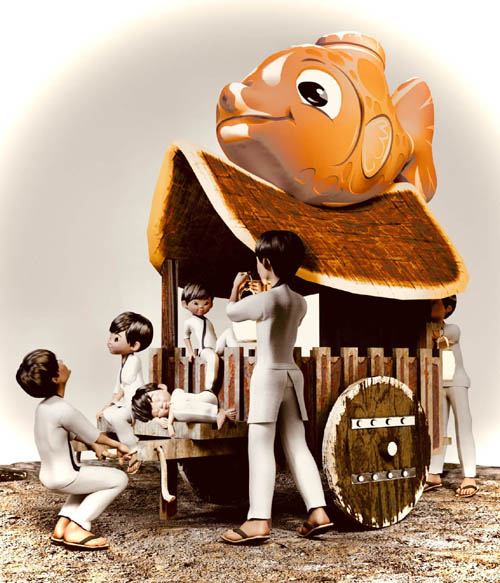
Sushi Trolly
On 06-Jan-24
by
Sushi Trolly Detail link: Sushi Trolly by MysticArtDesign...
Sushi Trolly Detail link: Sushi Trolly by MysticArtDesign...
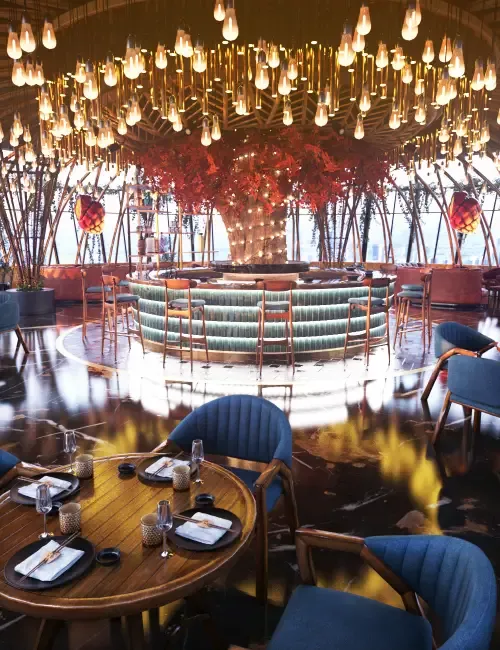
XI Sushi Restaurant
On 06-Jan-26
by
Ready for a date night or a fancy dinner with your boss?...
Ready for a date night or a fancy dinner with your boss?...

Vector Set - Delicious Sushi 7
On 03-Aug-15
by
Vector Set - Delicious Sushi 5 EPS | JPG | 25.9 MB...
Vector Set - Delicious Sushi 5 EPS | JPG | 25.9 MB...

Sushi, 10 x EPS
On 24-Aug-15
by
Sushi, 10 x EPS 10 EPS | 70 MB...
Sushi, 10 x EPS 10 EPS | 70 MB...

Sushi Delivery Flyer 9
On 07-Aug-15
by
Sushi Delivery Flyer PSD | 1275x1875 PIX | 561,12 MB...
Sushi Delivery Flyer PSD | 1275x1875 PIX | 561,12 MB...

Udemy – Blender : Sushi Belt Scene
Duration 1h 17m Project Files Included MP4
Info:
What you’ll learn
Basic tools for using Blender
Learn how to add material to a model.
Can easily build a model as a base.
Learn how to use basic shortcuts in Blender.
Blender Sushi Belt Scene: Model a Stylized Conveyor Sushi Bar
Ready to take your Blender skills to the next level?
In this intermediate-level course, you’ll create a fully stylized 3D conveyor belt sushi bar, packed with detail and charm — from the cozy shop structure to various types of sushi dishes moving smoothly along the belt.
The course is broken into 8 structured sections, designed to guide you step-by-step through the entire process. You’ll start by modeling the shop layout, tables, stools, and surrounding props — but the spotlight is on the rotating sushi belt and the many sushi variations you’ll create. Nigiri, maki rolls, wasabi, dishes — they all come to life in your scene!
Once the modeling and materials are complete, we’ll dive into animation. You’ll learn how to build 3 major animation scenes — such as a looping sushi belt, a camera fly-through, and dynamic shop interactions — using Blender’s built-in tools.
This course is ideal for students who already understand basic Blender workflows (navigating the UI, modeling, modifiers, and materials) and are ready to tackle a fun and challenging project.
By the end, you’ll have a polished and professional 3D scene that can be used in your portfolio, animation reels, or game design projects.
Start today and bring your stylized sushi shop to life — one delicious detail at a time!
Who this course is for:
It’s ideal for basic people who’ve used a few programs, but may not be able to handle them.
Have basic knowledge of using the Blender program, know shortcuts, and main tools.
DOWNLOAD HERE :
https://nitroflare.com/view/A70A20DF15E5506/UdemyBlenderSushiBeltScene.part1.rar
https://nitroflare.com/view/381A4071F240B27/UdemyBlenderSushiBeltScene.part2.rar
https://nitroflare.com/view/73FEB51B3A46612/UdemyBlenderSushiBeltScene.part3.rar
https://nitroflare.com/view/AA8E6B42A6DFA61/UdemyBlenderSushiBeltScene.part4.rar
https://rapidgator.net/file/113c48c6289270c3833e010b6b42635b/UdemyBlenderSushiBeltScene.part1.rar.html
https://rapidgator.net/file/c3b83c5e52435985039200b47176ce07/UdemyBlenderSushiBeltScene.part2.rar.html
https://rapidgator.net/file/3ded3364f8b066c84d62d2b318209878/UdemyBlenderSushiBeltScene.part3.rar.html
https://rapidgator.net/file/e90357131d6d20650dac1da9cb72a419/UdemyBlenderSushiBeltScene.part4.rar.html
DOWNLOAD
Direct Download
If link broken, comment under article, we will update it
Category: Tutorials
Information
Users of Guests are not allowed to comment this publication.