
Udemy – 3D Hard Surface Prop Creation from Scratch
cod2war
14-Jun-24
0
Related Articles
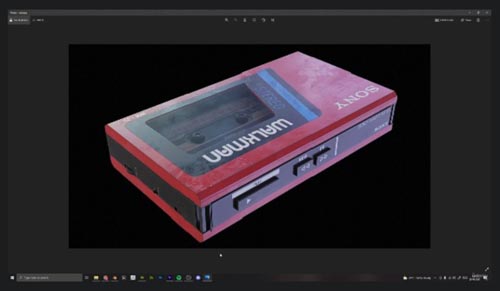
Udemy - Create a 3D Asset in Blender and Substance Painter
On 01-Mar-22
by
Udemy - Create a 3D Asset in Blender and Substance Painter...
Udemy - Create a 3D Asset in Blender and Substance Painter...

Udemy – Creating a Gramophone in Blender and Substance Painter
On 06-Aug-24
by
Udemy – Creating a Gramophone in Blender and Substance...
Udemy – Creating a Gramophone in Blender and Substance...
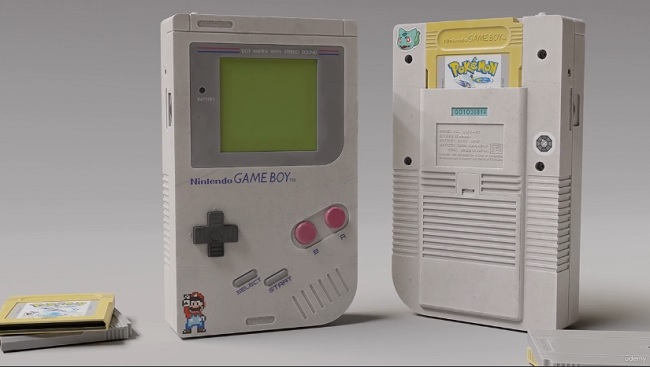
Udemy - Creating a Nintendo GameBoy in Blender and Substance Painter
On 24-Aug-23
by
Udemy - Creating a Nintendo GameBoy in Blender and...
Udemy - Creating a Nintendo GameBoy in Blender and...
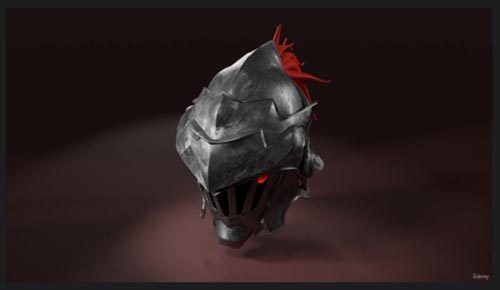
Udemy - Create helmet in Blender and Substance painter
On 22-Aug-22
by
Udemy - Create helmet in Blender and Substance painter...
Udemy - Create helmet in Blender and Substance painter...
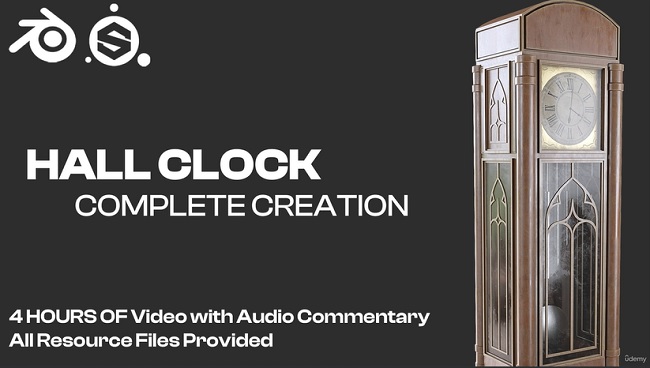
Udemy – Creating a Hall Clock in Blender and Substance Painter
On 27-Dec-23
by
Udemy – Creating a Hall Clock in Blender and Substance...
Udemy – Creating a Hall Clock in Blender and Substance...

Udemy – 3D Hard Surface Prop Creation from Scratch
DOWNLOAD
Udemy – 3D Hard Surface Prop Creation from Scratch
Info:
What you'll learn
Learn to Create Hard Surface Prop from Scratch to Finish
Learn Effective 3D Modeling and Texturing Techniques
Learn to Create Stencils to use as a mask for Projection Painting in Substance Painter
Learn to Render out your Model for your Portfolio inside Marmoset Toolbag
In this 2hr In Depth Course I have Walked you Through the Creation of Hard Surface Prop from Scratch to Finish using Blender, Substance Painter, Photoshop and Marmoset Toolbag.
We Will Start by Collecting the Reference followed by Creating Primary Shapes of the Fire Hydrant. Then We will create a High poly mesh out of that Primary Shape and then We will UV Unwrap it properly utilising the UV Space and using UDIMS. Then I will teach you how to Import your Model in Substance Painter and Bake its Mesh Maps Correctly. Then We Will Create Each Material in Substance Painter Manually and Create Stencils in Photoshop using Decals to use in Substance Painter for Projection Painting. Then We Will use that Stencil and Merge all of our Created Materials and at the last we will Export all the Texture Maps with Correct Settings. Then we have to Prepare our Model for Marmoset Toolbag as it has UDIMS. And At last We will Render out our Fire Hydrant in Marmoset Toolbag.
This Course is designed for all Level of Artist no Matter if you are a Complete Beginner or an Intermediate Artist, You Will Learn one or more things from this Course.
Please Leave a Review If you Watch this Course and Find it Useful, It Will encourage me to Create More Useful Courses for you guys.
Who this course is for:
This Course is Designed for Beginners as well as an Intermediate 3D Artist
DOWNLOAD HERE
https://nitroflare.com/view/BA9A7A774A81A66/Udemy3DHardSurfacePropCreationfromScratch.part1.rar
https://nitroflare.com/view/BA6EE530B9145D4/Udemy3DHardSurfacePropCreationfromScratch.part2.rar
https://nitroflare.com/view/ED30D476C2F6C37/Udemy3DHardSurfacePropCreationfromScratch.part3.rar
https://nitroflare.com/view/769D7F4C739CCE4/Udemy3DHardSurfacePropCreationfromScratch.part4.rar
https://nitroflare.com/view/0EF09B17282845E/Udemy3DHardSurfacePropCreationfromScratch.part5.rar
https://nitroflare.com/view/44617A906DA90CC/Udemy3DHardSurfacePropCreationfromScratch.part6.rar

If link broken, comment under article, we will update it
Category: Tutorials
Information
Users of Guests are not allowed to comment this publication.