
COLOSO – Creating Cel-Shaded Character Animations with Blender
cod2war
28-Jan-24
0
Related Articles
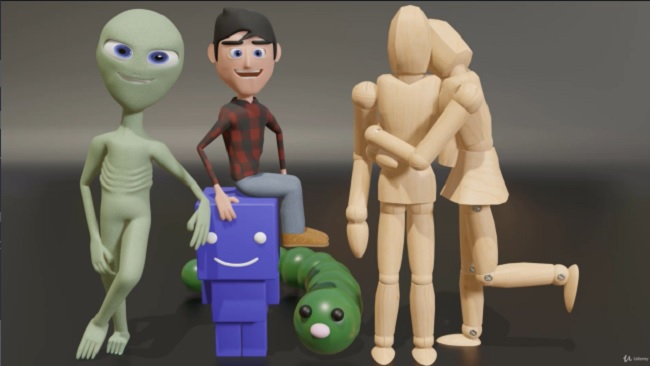
Udemy – Ultimate Blender 3D Character Creation & Animation Course
On 26-Oct-23
by
Udemy – Ultimate Blender 3D Character Creation &...
Udemy – Ultimate Blender 3D Character Creation &...
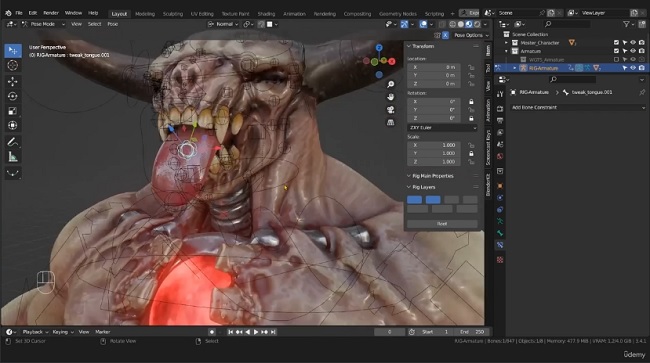
Udemy - Ultimate Blender Character Rigging Course (2023)
On 21-Aug-23
by
Udemy - Ultimate Blender Character Rigging Course (2023)...
Udemy - Ultimate Blender Character Rigging Course (2023)...

CGcookie - Blender Animation Toolkit - English
On 03-Oct-15
by
CGcookie - Blender Animation Toolkit English | Video:...
CGcookie - Blender Animation Toolkit English | Video:...

Udemy – Create VFX Animation Like a Pro Even If You're a Beginner
On 19-Jun-24
by
Udemy – Create VFX Animation Like a Pro Even If...
Udemy – Create VFX Animation Like a Pro Even If...
Packt Publishing - Blender 2.8 Game Character Creation
On 20-Jul-19
by
Packt Publishing – Blender 2.8 Game Character Creation...
Packt Publishing – Blender 2.8 Game Character Creation...
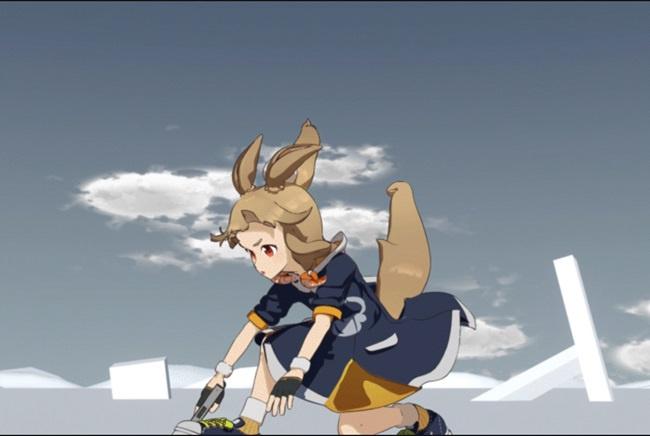
COLOSO – Creating Cel-Shaded Character Animations with Blender
Duration 27h 44m MP4
DOWNLOAD
COLOSO – Creating Cel-Shaded Character Animations with Blender
Duration 27h 44m MP4
Info:
Why Take This Class?
3DCG Animator Hirao will teach you
how to use Blender to make cel-shaded animations,
from moving characters and objects
to creating action scenes.
Learn the basics of Blender for animation production
using toon shaders, and sketch out your ideas
using Blender's unique Grease Pencil feature.
You'll also learn how to add basic movements to a character,
animation production using props,
rigging methods, animating props,
and gain the skills needed to combine animation
of characters and props.
After you learn camera work techniques
and layout tips, you'll complete an
impressive acrobatic action scene!
Experience a curriculum at Coloso that lets you
enjoy the fun of creating animations while learning
from Hirao's unique experience in
cel-shaded animation production.
This may have low quality videos, wrong subtitles were encoded to some files and so on. but this is all we got for now.
Audio : JAPANESE
Subtitle : CN+EN (encoded) & EN srt files.
DOWNLOAD HERE
https://nitroflare.com/view/3751547A064E123/COLOSOCreatingCelShadedCharacterAnimationswithBlender.part1.rar
https://nitroflare.com/view/BAE81DD1D77E7B4/COLOSOCreatingCelShadedCharacterAnimationswithBlender.part2.rar
https://nitroflare.com/view/2CDD5E3FF24236B/COLOSOCreatingCelShadedCharacterAnimationswithBlender.part3.rar
https://nitroflare.com/view/B9B337452577D73/COLOSOCreatingCelShadedCharacterAnimationswithBlender.part4.rar
https://nitroflare.com/view/6EB1BB056197E7E/COLOSOCreatingCelShadedCharacterAnimationswithBlender.part5.rar

If link broken, comment under article, we will update it
Category: Tutorials
Information
Users of Guests are not allowed to comment this publication.