
Udemy - IA Scatter Beginner to Pro tutorial
cod2war
10-Dec-22
0
Related Articles
Blendermarket - Scatter 5.3 and Erindale Toolkit - Advanced Geometry Nodes Groups 3.3
On 22-Nov-22
by
Blendermarket - Scatter 5.3 and Erindale Toolkit -...
Blendermarket - Scatter 5.3 and Erindale Toolkit -...
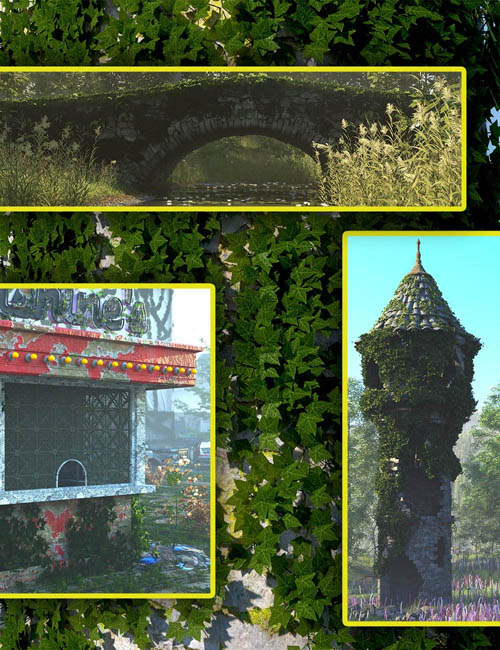
Scatters - Ivy - With Ultra Scatter 2 Presets
On 04-Aug-25
by
Scatters - Ivy - With Ultra Scatter 2 Presets Detail link:...
Scatters - Ivy - With Ultra Scatter 2 Presets Detail link:...
Bcs: Geometry Nodes For Blender 3.3+
On 01-Mar-23
by
Bcs: Geometry Nodes For Blender 3.3+ Bcs: Geometry Nodes...
Bcs: Geometry Nodes For Blender 3.3+ Bcs: Geometry Nodes...
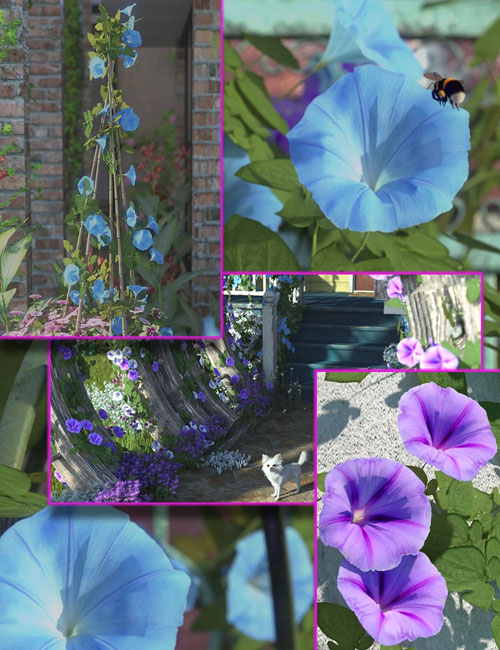
Scatters - Morning Glory - With Ultra Scatter 2 Presets
On 21-Sep-25
by
Scatters - Morning Glory - With Ultra Scatter 2 Presets...
Scatters - Morning Glory - With Ultra Scatter 2 Presets...

Udemy - Create and Animate Tank & Machine in Blender 2.93
On 24-Nov-21
by
Udemy - Create and Animate Tank & Machine in Blender...
Udemy - Create and Animate Tank & Machine in Blender...
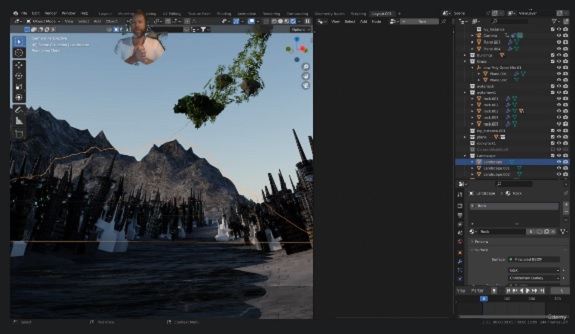
Udemy - IA Scatter Beginner to Pro tutorial
Duration 2h 44m MP4
DOWNLOAD
Udemy - IA Scatter Beginner to Pro tutorial
Duration 2h 44m MP4
Info:
Learn IA scatter addon for Blender 3.3
What you'll learn
A powerful way to scatter and animate with IA Scatter
How to use proxy instances to render 30,000+ instances
How to use ray casting
How to add wind animation to anything
Requirements
A willingness to learn in a structured way
IA Scatter paid addon
Some knowledge of the Blender interface
Description
This is a full tutorial on IA scatter addon for Blender. It will be taught with version 3.3 LTS.
We will create a scene and use IA Scatter to create sci-fi building layouts with foliage, animation, water, floating rocks, custom textures, and vines with Geometry Nodes & lighting. We will also conduct multiple renders to test things out.
Below is a list of things you will learn and be able to do after the course.
Scatter like a pro with IA scatter
Use raycasting features in geometry nodes
Scatter multiple layers with node groups
Understand and use Proxy instances
Animate any instanced object or objects
Use Blender-kit
Use Ivy generator addon with Blender
Use the append feature to add Geometry node-based groups for Ivy generators
Use collections & maintain the hierarchy
How to animate features inside of multiple geometry nodes
Camera culling features and viewport displays
Scaling and all-transform
Texturing
Basic hard surface modeling techniques
Use textures to instance geometry
Use weight paint for instance distribution
Ask any questions you have and I will respond and walk you through issues that may arise
This course will help you make a big jump in your 3D career as it will cut out time from the production process and you can put your valuable time into creating instead of tasks that are already being automated in the production pipeline with scattering tools.
Ask any questions you have and I will respond and walk you through issues that may arise
Who this course is for:
Blender users who need a powerful way to scatter and animate
DOWNLOAD HERE :
https://seekvn.com/file/df441387e2fd49181a4959ea7a3d7bbe/UdemyIAScatterBeginnertoProtutorial.part1.rar.html
https://seekvn.com/file/ce2ca2a04a01740a5214713e8521c4b6/UdemyIAScatterBeginnertoProtutorial.part2.rar.html
https://seekvn.com/file/284dc3ccf748c6ee3f05b9ef05ffc3aa/UdemyIAScatterBeginnertoProtutorial.part3.rar.html
https://seekvn.com/file/a90256eab77b69e9af9ce8f98d87b0fd/UdemyIAScatterBeginnertoProtutorial.part4.rar.html
https://seekvn.com/file/41f260ec93343c6c2a77206b33609dde/UdemyIAScatterBeginnertoProtutorial.part5.rar.html

If link broken, comment under article, we will update it
Category: Tutorials
Information
Users of Guests are not allowed to comment this publication.