
Udemy - Create a Jinx Grenade in Blender and Substance Painter by Porada Vsevolod
cod2war
19-Aug-22
0
Related Articles
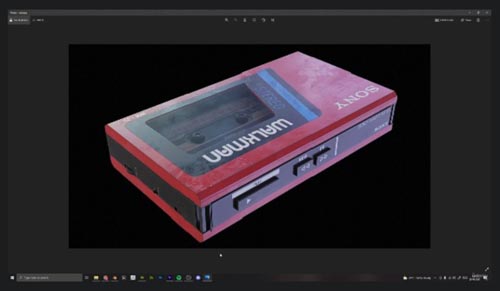
Udemy - Create a 3D Asset in Blender and Substance Painter
On 01-Mar-22
by
Udemy - Create a 3D Asset in Blender and Substance Painter...
Udemy - Create a 3D Asset in Blender and Substance Painter...
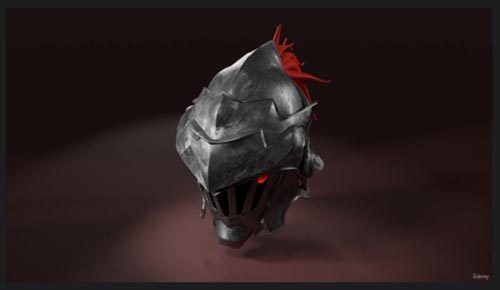
Udemy - Create helmet in Blender and Substance painter
On 22-Aug-22
by
Udemy - Create helmet in Blender and Substance painter...
Udemy - Create helmet in Blender and Substance painter...

Udemy – Creating a Gramophone in Blender and Substance Painter
On 06-Aug-24
by
Udemy – Creating a Gramophone in Blender and Substance...
Udemy – Creating a Gramophone in Blender and Substance...
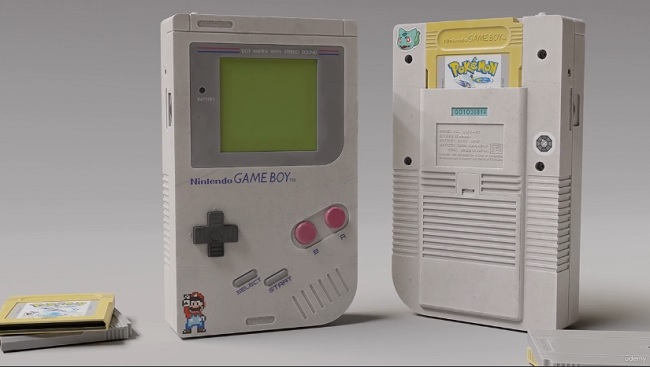
Udemy - Creating a Nintendo GameBoy in Blender and Substance Painter
On 24-Aug-23
by
Udemy - Creating a Nintendo GameBoy in Blender and...
Udemy - Creating a Nintendo GameBoy in Blender and...
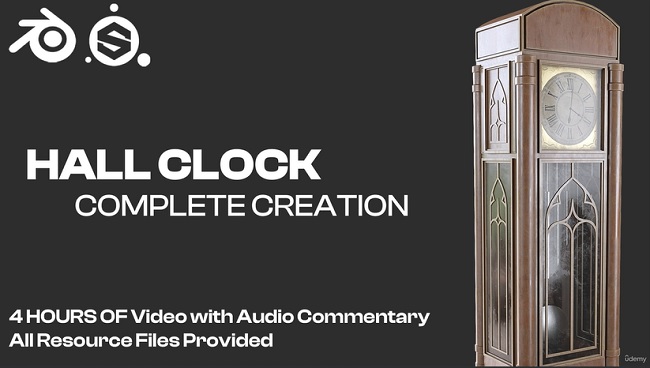
Udemy – Creating a Hall Clock in Blender and Substance Painter
On 27-Dec-23
by
Udemy – Creating a Hall Clock in Blender and Substance...
Udemy – Creating a Hall Clock in Blender and Substance...
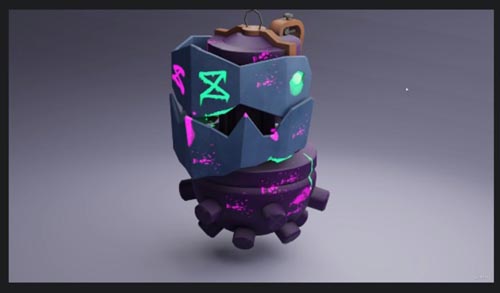
Udemy - Create a Jinx Grenade in Blender and Substance Painter by Porada Vsevolod
Duration 1h 30m MP4
DOWNLOAD
Udemy - Create a Jinx Grenade in Blender and Substance Painter by Porada Vsevolod
Duration 1h 30m MP4
Info:
Create a Jinx Grenade in Blender 3D and Substance Painter, Learn 3D modelling, 3D texturing in Substance Painter
We will start with modelling the Grenade in Blender and we will make use of Poly-modelling and Hard Surface techniques and learn a lot about modifiers such as Solidify, Bevel etc.
You will go through all the stages with me, step by step and will be able to master various tools and techniques of polygon modeling. Each stage of modeling is in a separate lecture to make it easier to navigate the course
Then after that we will export our model to Substance Painter and start by baking mesh maps for our model, after that we will start to texture our model. We will learn how to create stylized textures for our models. You will also learn to add new channels to textures such as emission. and you can manually draw your own texture. And then correctly connect it in a blender. In order to then use this knowledge on your own models.
After we finish with texturing in Substance Painter we will take our model back to Blender and render it. We will setup the material, lighting and the camera. I will be rendering the scene using Cycles.
This course is for everyone who has a basic understanding of Blender and Substance Painter and wants to upgrade their skillset.
DOWNLOAD HERE :
https://ezvn.net/4f4rbyti0jka/UdemyCreateaJinxGrenadeinBlenderandSubstancePainter.part1.rar.html
https://ezvn.net/8nxakah7qgiy/UdemyCreateaJinxGrenadeinBlenderandSubstancePainter.part2.rar.html
https://ezvn.net/n51op2kavo7z/UdemyCreateaJinxGrenadeinBlenderandSubstancePainter.part3.rar.html
https://ezvn.net/j1roh74lwf8w/UdemyCreateaJinxGrenadeinBlenderandSubstancePainter.part4.rar.html
https://seekvn.com/file/bb05a3974dad608f422b6b925a1148e1/UdemyCreateaJinxGrenadeinBlenderandSubstancePainter.part1.rar.html
https://seekvn.com/file/aba07a706640f03b74e8a455e7256d07/UdemyCreateaJinxGrenadeinBlenderandSubstancePainter.part2.rar.html
https://seekvn.com/file/dabcf392d8ff1c25e17505de29acda52/UdemyCreateaJinxGrenadeinBlenderandSubstancePainter.part3.rar.html
https://seekvn.com/file/94e9d181f7161adf9254c30f69fe6514/UdemyCreateaJinxGrenadeinBlenderandSubstancePainter.part4.rar.html

If link broken, comment under article, we will update it
Category: Tutorials
Information
Users of Guests are not allowed to comment this publication.