
Class101 - How to Construct Strong Digital Paintings with Efficiency
cod2war
10-Feb-22
0
Related Articles
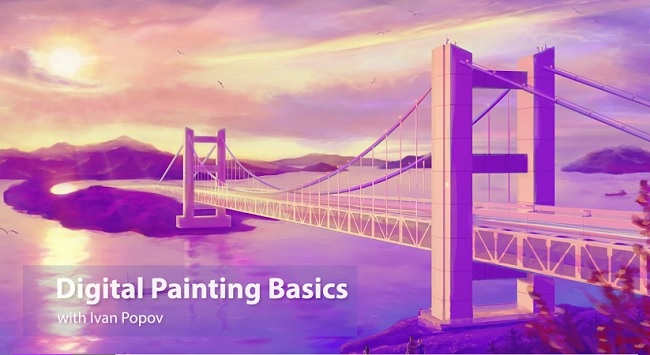
Udemy - Digital Painting Basics in Adobe Photoshop
On 03-Aug-23
by
Udemy - Digital Painting Basics in Adobe Photoshop...
Udemy - Digital Painting Basics in Adobe Photoshop...
![[Tutorials] Tutsplus - Professional Digital Painting in Adobe Photoshop](http://i.imgur.com/FloVpGp.jpg)
[Tutorials] Tutsplus - Professional Digital Painting in Adobe Photoshop
On 06-Jan-16
by
Tutsplus - Professional Digital Painting in Adobe...
Tutsplus - Professional Digital Painting in Adobe...
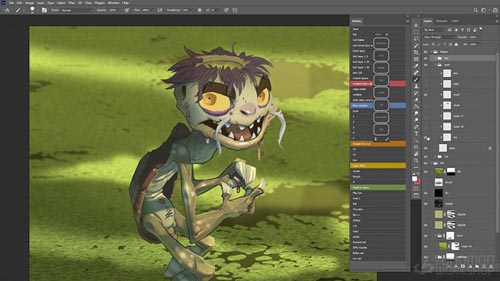
The Gnomon Workshop - Digital Painting in Photoshop with Dave Neale
On 15-Mar-22
by
The Gnomon Workshop - Digital Painting in Photoshop with...
The Gnomon Workshop - Digital Painting in Photoshop with...
![[Tutorials] Digital Painting: Creating Your First Grayscale Character In Photoshop](http://s2.1pic.org/files/2016/06/29/78deed059df2c7c05e3c.jpg)
[Tutorials] Digital Painting: Creating Your First Grayscale Character In Photoshop
On 02-Jul-16
by
Digital Painting: Creating Your First Grayscale Character...
Digital Painting: Creating Your First Grayscale Character...
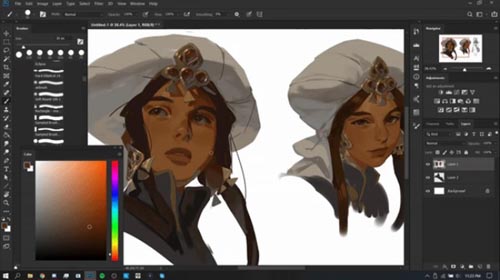
Class101 – Create an Entire Portfolio-Ready Character Design Project with Arucelli
On 05-Jul-21
by
Class101 – Create an Entire Portfolio-Ready Character...
Class101 – Create an Entire Portfolio-Ready Character...
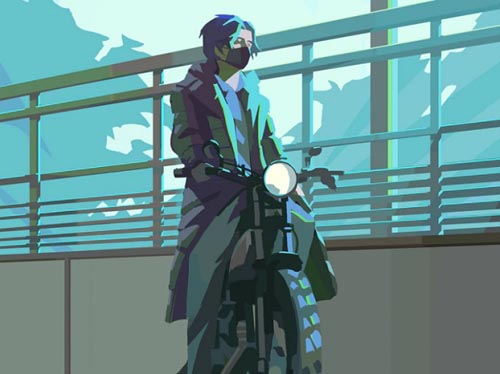
Class101 - How to Construct Strong Digital Paintings with Efficiency
Duration 7h 36m Project Files Included MP4
DOWNLOAD
Class101 - How to Construct Strong Digital Paintings with Efficiency
Duration 7h 36m Project Files Included MP4
Info:
Have you ever had a great idea for a painting but don't know how to start or struggle to finish the process? This class aims to give you the tools and understanding to help bring your ideas to life.
All the basics you need to know.
This class will cover the fundamentals of colour & light, perspective composition as well as advanced tips to make your process efficient and dependable.
This class is for beginners and intermediate artists.
A perfect class for anyone who is eager to expand their skills and develop an efficient process. Learn how to work smart not hard!
Transform the rough ideas into a strong and clear painting.
Become familiar with the fundamentals of painting and develop a strong foundation for future artwork!
This class uses Adobe Photoshop CC/CS. Adobe Photoshop is a subscription-based paid software. To take this class, you will need to have access to Adobe Photoshop.
DOWNLOAD HERE :
https://seekvn.com/file/8bd04f16131a5ec1a5654967bbdb201a/Class101HowtoConstructStrongDigitalPaintingswithEfficiency.part1.rar.html
https://seekvn.com/file/164deb1df9f143d9726e0e348a1c9191/Class101HowtoConstructStrongDigitalPaintingswithEfficiency.part2.rar.html
https://seekvn.com/file/f17e34ce6b3796fe252535e85fe68ff6/Class101HowtoConstructStrongDigitalPaintingswithEfficiency.part3.rar.html
https://seekvn.com/file/05593e0c6829e35fc1585830549f9fa0/Class101HowtoConstructStrongDigitalPaintingswithEfficiency.part4.rar.html
https://seekvn.com/file/fb9bf0b7d6d57b46f574d72f9dd8bea2/Class101HowtoConstructStrongDigitalPaintingswithEfficiency.part5.rar.html

If link broken, comment under article, we will update it
Category: Tutorials
Information
Users of Guests are not allowed to comment this publication.