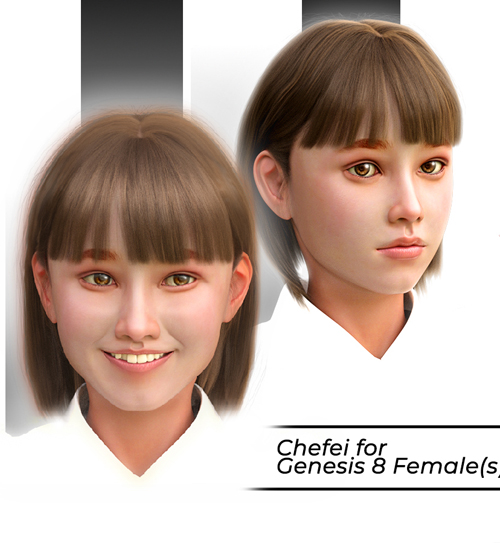
Chefei for Genesis 8 Females (converted to Genesis 9)
New conversion technique for better posing!
The morph for G9 can be found in:
Morphs > Characters G8F/Nabi
KNOWN PROBLEM: The eyes. If you need to scale or translate them, you need to first select the “Genesis 9 Eyes” item in the Scene Tab. Then in the Parameters > General > Misc > Fit to Mode choose “Auto Follow Transforms”. Now you can translate or scale them!
https://3dcu.com/renderosity/80757-chefei-for-genesis-8-females.html
Warning! You are not allowed to view this text.