
Ars Magica -Special Edition

BAXTER Mio Special Edition Sofa 3d model fbx | 3ds max |...
...
SCKRIPT WW2 Special Edition Pack 1 Detail link: Required...
...
...
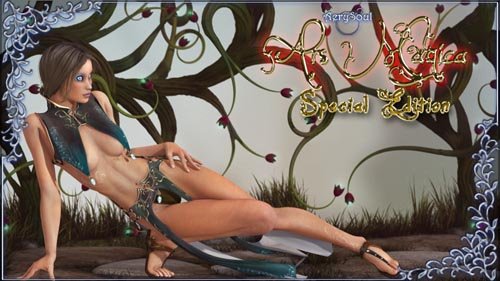
Where to find "Ars Magica" files in your Poser:
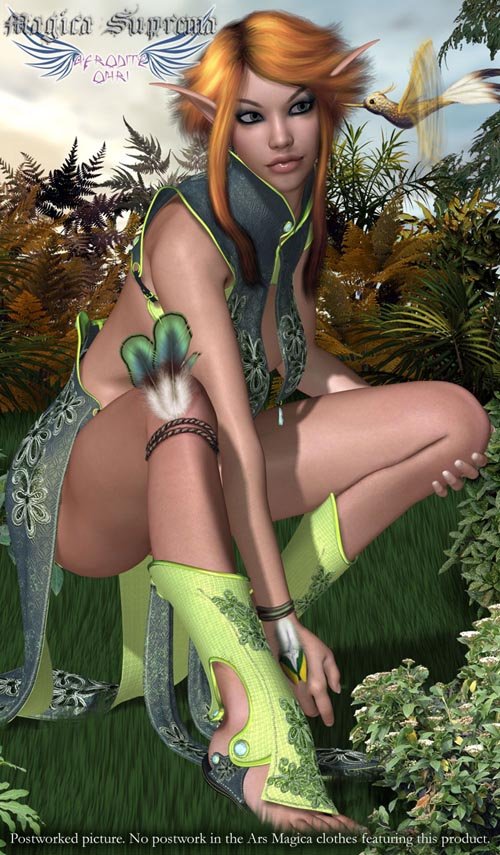
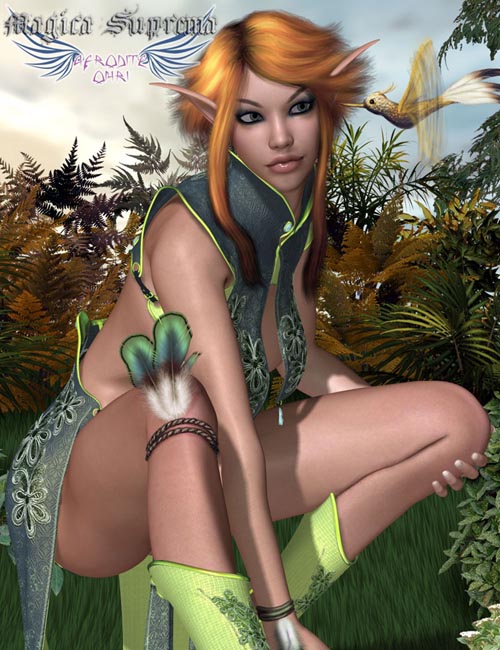
Character --> AS-Ars Magica/Clothes: clothes (top, skirt, shin guards, shoes
Pose --> AS-Ars Magica
Pose/AS-Ars Magica --> Clothes MATs: clothes styles material poses
Pose/AS-Ars Magica --> Other poses: staff grab poses, bone styles/reset poses, zero morphs poses.
Props --> AS-Ars Magica: Left and Right hands Staffs - Special edition scenery files
NOTE to users of pre-5 Poser versions: Ars Magica package takes advantage of P5 and higher folder structure, in order for the files to display correctly
in previous versions you will need to move them to the main folder/directory.
NOTES/INSTRUCTIONS -IMPORANT - READ-:
- Load Victoria 4 and load the clothes, conform the clothes and use the V4 magnet fit on the clothes to add the JCM magnets/morphs to them.
It is VERY IMPORTANT that you have VICTORIA 4 SELECTED before loading each piece of clothing in order for the various JCM morphs to work properly
and automatically.
- ALWAYS USE THE MORPHS in the BODY part of any piece of clothing, not in the single body parts (such as shin, shoulder etc.), always SET
the MORPHS on the BODY.
- There are several helpful morphs for the various clothing pieces to help with poke-through (when the legs bend for example).
If you run into any poke-through please remember to check and use these morphs or, in case they are not enough, use custom Poser magnets or D|S D-Forms.
- The head shaped pendants on the top and skirt can be moved independently, when you use fittings or movement morphs and want to move them after you rotate them
you may also need to adjust their position (this is unavoidable since being indepent props they cannot follow so closely the clothing movements when clothes are
morphed.
- The head shaped pendants on the staff must be moved manually in order to match the staff movement/position.
- All morphs were created on VICTORIA 4 BASE in ZEROED position, this means that movement morphs can easily poke-through when the character is posed or you're
using a morphed character. To correct such issue just use the included morphs or Poser magnets.
If you need more morphs to make the clothes fit your custom character you can either use Lyrra's or Netherworks magnet fitting sets or "Morphing Clothes" by
Dimension 3D (Renderosity marketplace).
- If you want to use Alice INJect the morph into V4 and set the Alice fitting morphs to 1 for each piece of clothing.
Alice shape is very different from V4 default one, this means some poke-through may happen more easily, simply use the included morphs to correct it when it
happens or custom magnets, you should also check Alice fix morphs because she has several that are useful to adjust poke-through (for example for the front
thighs when the legs are bent).
- Ars Magica material files are optimized for Poser 7 (that is 5 and above), the clothes include a material shader that may need tweaking in
previous versions and/or in DAZ Studio (metals are mostly Poser nodes although a reflection is included).
Detail: https://www.renderosity.com/mod/bcs/index.php?ViewProduct=68152
DOWNLOAD
DOWNLOAD
