
Broken Clock - Photoshop Manipulation + Tutorial
cod2war
09-Feb-22
0
Related Articles

Gold metal clock D60cm Wall clock dubai
On 17-Feb-24
by
[/img] Gold metal clock D60cm Wall clock dubai MAX...
[/img] Gold metal clock D60cm Wall clock dubai MAX...
Gold metal clock D60cm Wall clock dubai
On 18-Feb-24
by
[/img] Gold metal clock D60cm Wall clock dubai MAX...
[/img] Gold metal clock D60cm Wall clock dubai MAX...
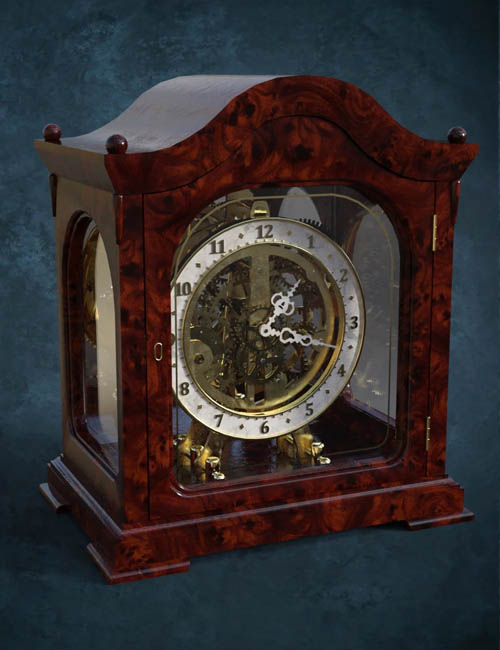
DzFire Clock
On 23-Mar-24
by
DzFire Clock Detail link: Class up any scene or...
DzFire Clock Detail link: Class up any scene or...
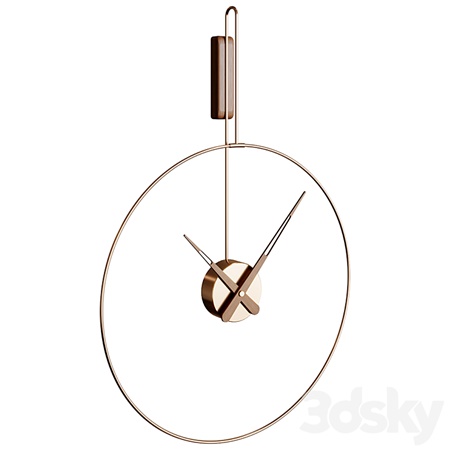
Wall Clock MICRO DARO Clock
On 13-Jul-23
by
Wall Clock MICRO DARO Clock MAX | OBJ | TEX | 3D Models |...
Wall Clock MICRO DARO Clock MAX | OBJ | TEX | 3D Models |...
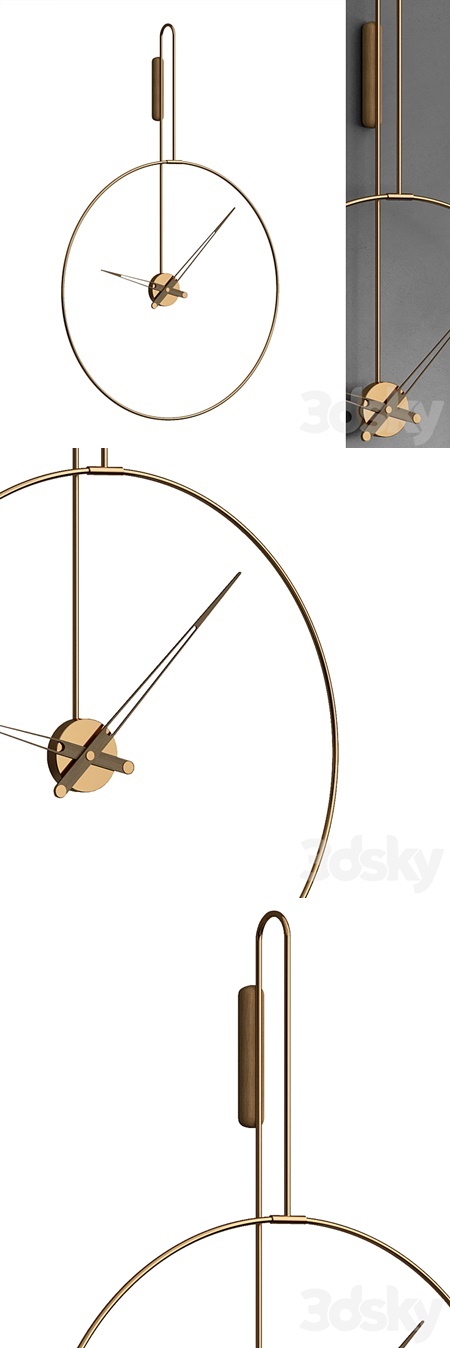
Clock 164
On 05-Apr-23
by
Clock 164 MAX | FBX | TEX | 3D Models | 4.43 MB...
Clock 164 MAX | FBX | TEX | 3D Models | 4.43 MB...
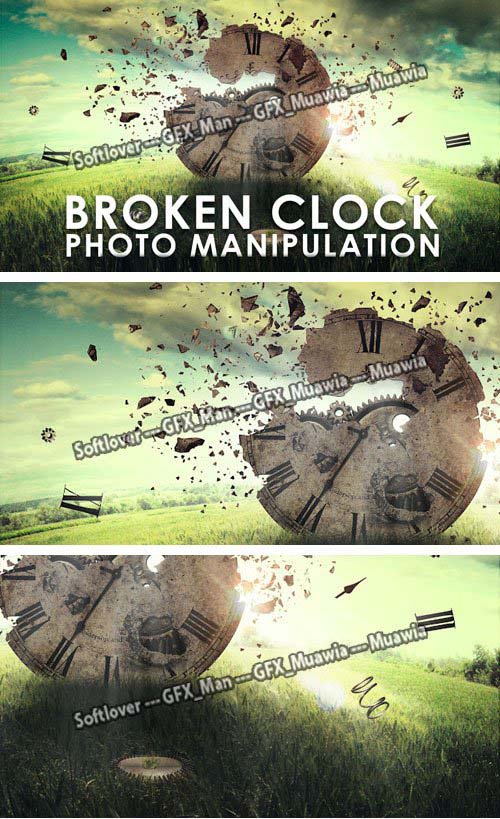
Broken Clock - Photoshop Manipulation + Tutorial
Photoshop PSD | Photoshop ABR | 6 JPG | 5 PNG | MP4 | 851 MB
DOWNLOAD
Broken Clock - Photoshop Manipulation + Tutorial
Photoshop PSD | Photoshop ABR | 6 JPG | 5 PNG | MP4 | 851 MB
Contents:
--- 1st Part: we will set up our document and start to build up our image, starting with the background and adding the clock photo to the scene.
--- 2nd Part: we will add some cracks to the clock and start blending metal rust texture with the clock image.
--- 3rd Part: we will create a custom shattered brush from scratch and start applying shattered pieces on our image and then we'll finish by adding shatter glass.
--- 4th Part: we will add flying object around the clock and start blending the metal gears inside clock.
--- 5th Part: we will finish up by making some color correction to the whole image.
DOWNLOAD HERE :
https://seekvn.com/file/dce2c8218898fd0caefb20bbf0a9b70c/Broken-Clock-Photo-Manipulation-PSD-ABR-6-JPG-5-PNG-5-MP4.310122.rar.html
https://turb.cc/txylmtuobrxb/Broken-Clock-Photo-Manipulation-PSD-ABR-6-JPG-5-PNG-5-MP4.310122.rar.html

If link broken, comment under article, we will update it
Category: Photoshop
Information
Users of Guests are not allowed to comment this publication.