
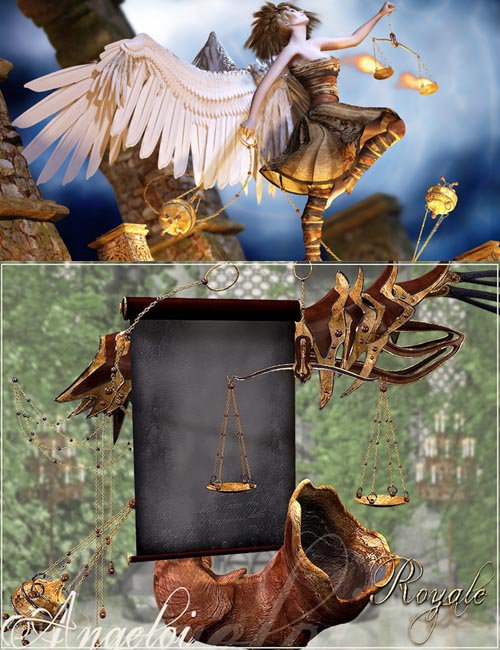
Angeloi Accessories Texture Expansion - Royale
This flamesword was created to complement the other items...
The Angeloi outfit is a creative mix of styles with a...
Detail: DOWNLOAD Warning! You are not allowed to view this...
Stephanie Texture Maps (high res) Each Stephanie texture...
...
First of all - please turn off texture filtering when rendering the Angeloi accessories with the FireFly Renderer.
Otherwise you might get some undesirable results.
The following render settings were used in the promo images and they should bring you very good results:
* Cast Shadows - ON or OFF (this depends on your image)
* Raytracing - ON or OFF (this is also depending on your image)
* Raytrace Bounces - 0
* Min Shading Rate - 0,20 (you can lower this even more if hair or lashes don't look as good as you have expected)
* Pixel Samples - 5
* Max Texture Size - 4000 (lower it for smaller images or images in which you don't show anything close but closeups need
a large texture size)
* Max Bucket Size - 64 (you can lower this if your computer is not able to handle it well, 32 is a common setting here
* Smooth Polygons - ON
* Use Displacement Maps - ON or OFF ( ON will yield best results with this character package)
* Just leave the rest the way it is
Detail: https://dazposer.com
DOWNLOAD