
Look at Control – Advanced Gaze and Pose Control
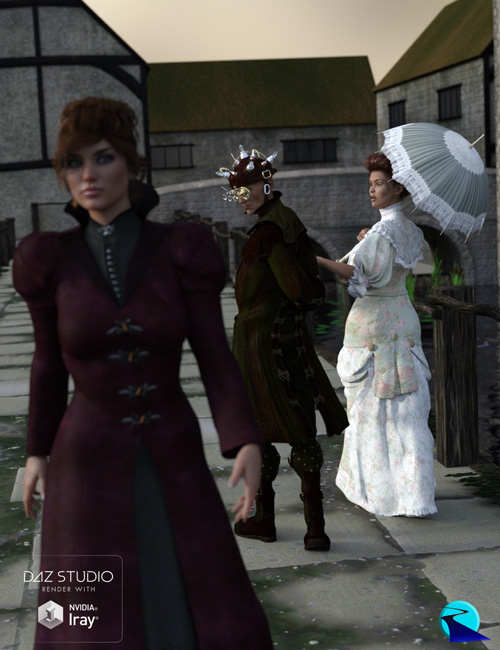
Look At Me II Pose Control (G9 UPDATE) Look At Me II Pose...
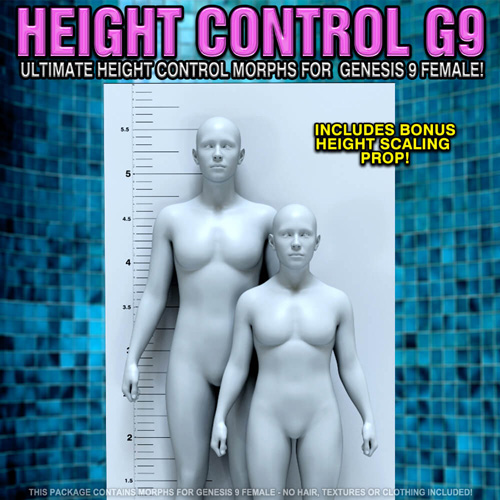
Height Control Morphs for Genesis 9 Detail link: This new...
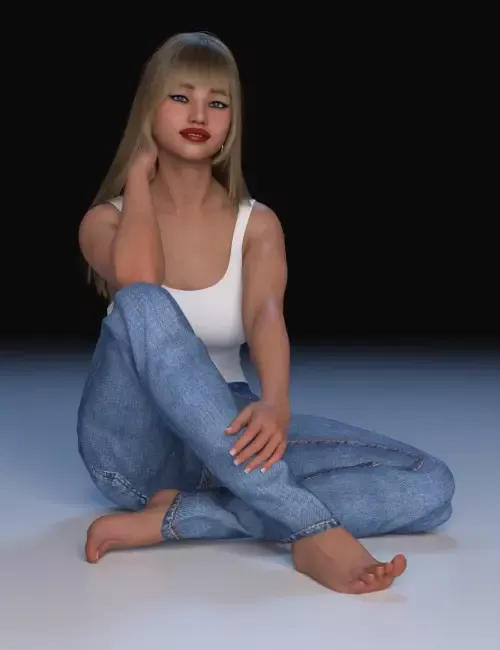
FG Ground Control Poses for Genesis 9 is a carefully...

Bring sweetness and fun to your Genesis 9 renders with the...
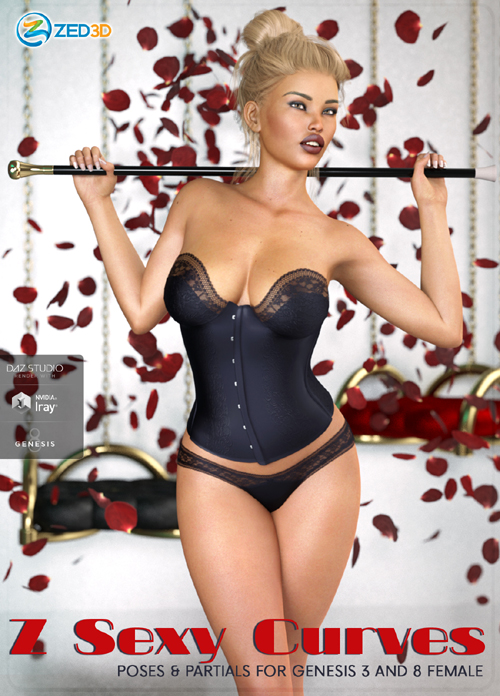
Z Sexy Curves Poses and Partials for Genesis 3 & 8...
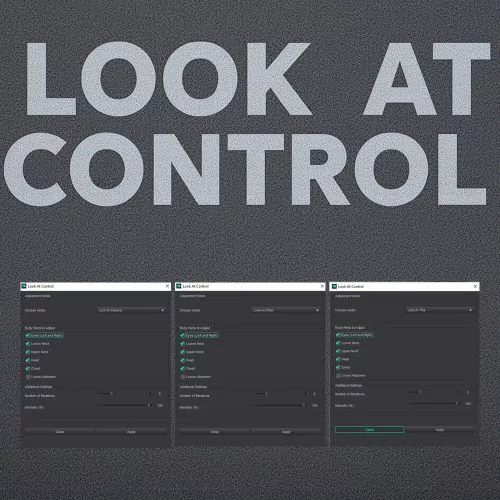
Natural, Realistic Eye & Body Direction in Seconds
Fully compatible & optimized for:
• DAZ Studio 6 (2025.x) - including the brand new DAZ Studio 2025.6+
• DAZ Studio 4.23 and above
• Genesis 9, Genesis 8/8.1, Genesis 3, Genesis 2 (Male & Female)
No more endless manual tweaking of eyes, head, neck and torso.
Look At Control does it all automatically with beautiful, pose-friendly results
4 Powerful Modes
• Look At Camera → Perfect portraits and hero shots
• Look At Other → Mutual gaze between two characters (they automatically look at each other!)
• Look At This → Make any figure look at any selected prop, light, null or object
• Look At Direction → Align the character’s gaze exactly with your current camera view (great for matching perspective perfectly)
Full Body Part Control
Enable or disable any part independently:
• Eyes (Left & Right)
• Lower Neck
• Upper Neck
• Head
• Chest
• Lower Abdomen
Create everything from subtle glances to dramatic full-body turns.
Precision & Realism
• Intensity Slider (0–100%) – from the softest hint to full commitment
• Live Preview – see changes in real time while you adjust (super smooth and stable)
• Smart algorithm that respects bone hierarchy for ultra-natural results
Safe, Clean & Professional
• Live Preview works flawlessly on Windows, macOS
• Instant Undo button inside the dialog
• Separate Close & Cancel buttons:
→ Close = Apply changes & exit
→ Cancel = Discard everything and restore original pose
• Full Ctrl+Z support in DAZ Studio
• No external files, no dependencies, no bloat
• 100% script-based (.dse) always compatible with future DAZ updates
Perfect For
• Character interactions & eye contact
• Storytelling, comics and sequential art
• Product & marketing renders
• Animation (keyframe-friendly, no hidden controllers)
• Quick pose fixing on any figure
Installation
1. Install via DAZ Install Manager or Manual
2. Located in Scripts → YourUsername → Look At Control
(or Smart Content → Scripts → Utility if you prefer)
Tested and optimized for DAZ Studio 2025
Includes
• LookAtControl.dse
Requirements
• DAZ Studio 4.23 or higher (including DAZ Studio 6 / 2025.x)
• Any Genesis 9, 8/8.1, 3 or 2 figure (Male or Female)
Changelog
[1.2.0] – 2025-11-18
Added
• Genesis 2 & 3 support
• New “Look At Directionmode (align gaze perfectly with current camera view)
• Even more stable Live Preview
• Automatic saving/loading of last used settings
Fixed
• macOS compatibility
[1.1.0] – 2025-10-31
• Added Live Preview, Undo button, separate Close/Cancel logic
• Removed redundant Iterations control (Intensity is now the only control you need)
[1.0.0] – 2025-10-27
• Initial release
100% script, zero dependencies, future-proof for DAZ Studio 6 and beyond.
Detail: https://www.renderhub.com/oldhiccup/look-at-control
DOWNLOAD HERE:
DOWNLOAD
