
Erogen Morph G9M Big Daddy 001
BBlK
20-Jul-25
0
Related Articles
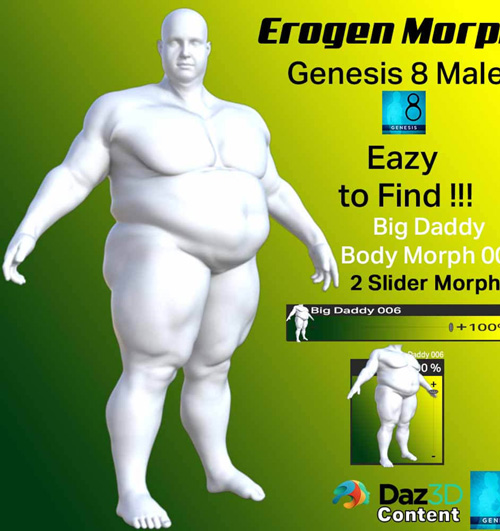
Erogen Morph G8M-Big Daddy 006
On 25-Apr-25
by
Erogen Morph G8M-Big Daddy 006 Detail link: Hi Daz3D...
Erogen Morph G8M-Big Daddy 006 Detail link: Hi Daz3D...
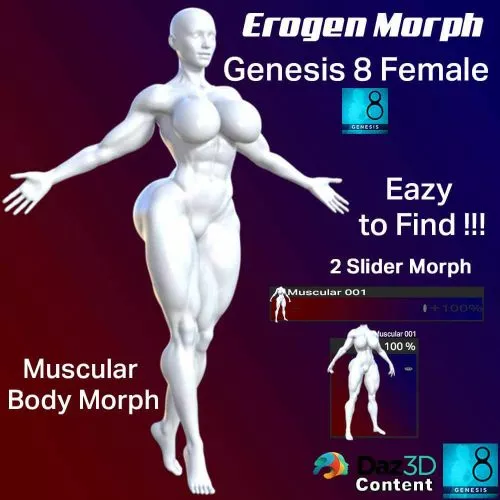
Erogen Morph G8F-Muscular Body Morph 001
On 29-Dec-25
by
Hi Daz3D 's Users & welcome to my new...
Hi Daz3D 's Users & welcome to my new...
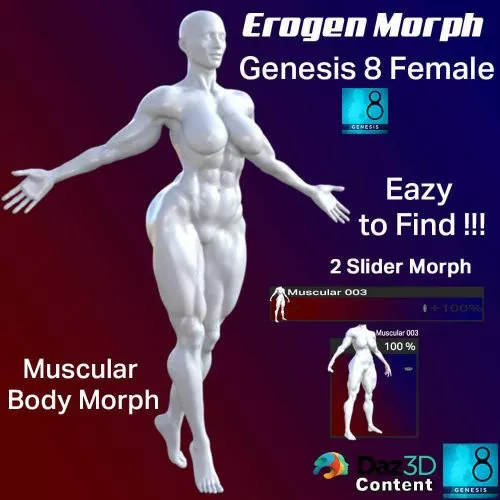
Erogen Morph G8F-Muscular Body Morph 003
On 02-Jan-26
by
Hi Daz3D 's Users & welcome to my new...
Hi Daz3D 's Users & welcome to my new...
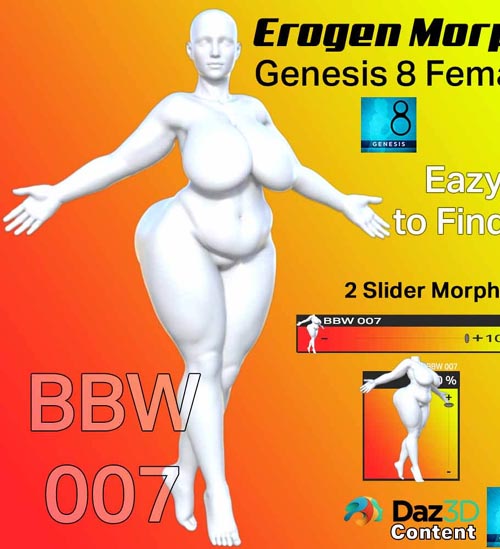
Erogen Morph G8-BBW Body Morph 007
On 08-Jun-25
by
Erogen Morph G8-BBW Body Morph 007 Detail link: Hi Daz3D...
Erogen Morph G8-BBW Body Morph 007 Detail link: Hi Daz3D...
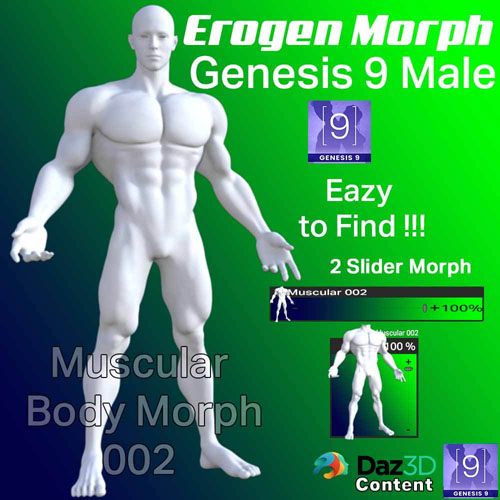
Erogen Morph G9M-Muscular Body Morph 002
On 01-Jun-25
by
Erogen Morph G9M-Muscular Body Morph 002 Detail link: Hi...
Erogen Morph G9M-Muscular Body Morph 002 Detail link: Hi...
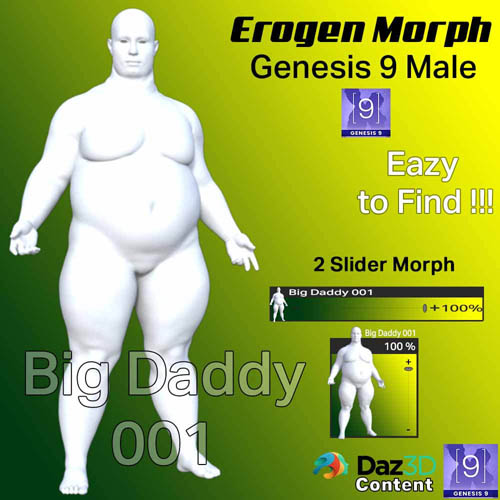
Erogen Morph G9M Big Daddy 001
Detail link: https://www.renderhub.com/wentley/erogen-morph-g9m-big-daddy-001
Erogen Morph G9M Big Daddy 001
Hi Daz3D 's Users & welcome to my new Product:
======================================================================
Erogen Morph G9M Big Daddy 001
======================================================================
Please follow me for more!
Any suggestions for any product are free to ask or order!
======================================================================
Product Requirements and Compatibility
======================================================================
Programs Required: Daz Studio 4.23 works for older versions too!
Models Required: Genesis 9
Any addons required to use: None
======================================================================
ABOUT THE SET
======================================================================
Installing:
Unzip the package
Drop the folders into your Daz Library
Finding Preset Files:
Parameters/Full Body/Wentley Nutz/Big Daddy
Shaping/Actor/Full Body/Wentley Nutz/Big Daddy
The package contains only Two slider simple body morph,
head morph is NOT INCLUDED.
======================================================================
INSTALLATION INSTRUCTIONS
======================================================================
-Unzip the zip file to a temporary folder.
-Copy the 'People' folder in the unzipped folder and paste it into your DAZ Library folder. (e.g. C:\Users\Your Username\Documents\DAZ 3D\Studio\My Library)
======================================================================
COPYRIGHT & LICENSE
======================================================================
Copyright (c) 2025 Wentley Nutz All rights reserved. Not intended for
redistribution.
Warning! You are not allowed to view this text.
DOWNLOAD

If link broken, comment under article, we will update it
Category: Other Vendors
Related Articles
Erogen Morph G8M-Big Daddy 006
On 25-Apr-25
by
Erogen Morph G8M-Big Daddy 006 Detail link: Hi Daz3D...
Erogen Morph G8M-Big Daddy 006 Detail link: Hi Daz3D...
Erogen Morph G8F-Muscular Body Morph 001
On 29-Dec-25
by
Hi Daz3D 's Users & welcome to my new...
Hi Daz3D 's Users & welcome to my new...
Erogen Morph G8F-Muscular Body Morph 003
On 02-Jan-26
by
Hi Daz3D 's Users & welcome to my new...
Hi Daz3D 's Users & welcome to my new...
Erogen Morph G8-BBW Body Morph 007
On 08-Jun-25
by
Erogen Morph G8-BBW Body Morph 007 Detail link: Hi Daz3D...
Erogen Morph G8-BBW Body Morph 007 Detail link: Hi Daz3D...
Erogen Morph G9M-Muscular Body Morph 002
On 01-Jun-25
by
Erogen Morph G9M-Muscular Body Morph 002 Detail link: Hi...
Erogen Morph G9M-Muscular Body Morph 002 Detail link: Hi...
Information
Users of Guests are not allowed to comment this publication.