
ToOptimize Tools v1.2.7.3 for Blender
BBlK
08-Mar-24
0
Related Articles
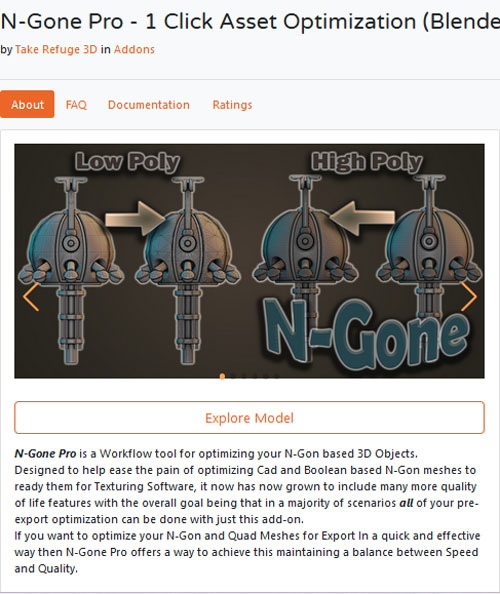
N-Gone Pro - 1 Click Asset Optimization for Blender v1.35
On 09-Mar-24
by
N-Gone Pro - 1 Click Asset Optimization for Blender v1.35...
N-Gone Pro - 1 Click Asset Optimization for Blender v1.35...
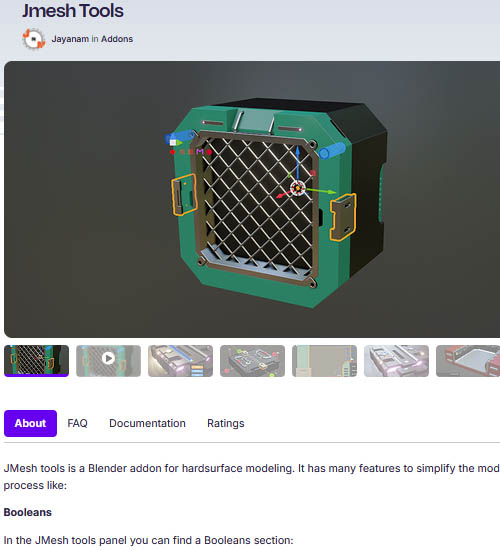
Jmesh Tools
On 09-Aug-25
by
Jmesh Tools JMesh tools is a Blender addon for hardsurface...
Jmesh Tools JMesh tools is a Blender addon for hardsurface...
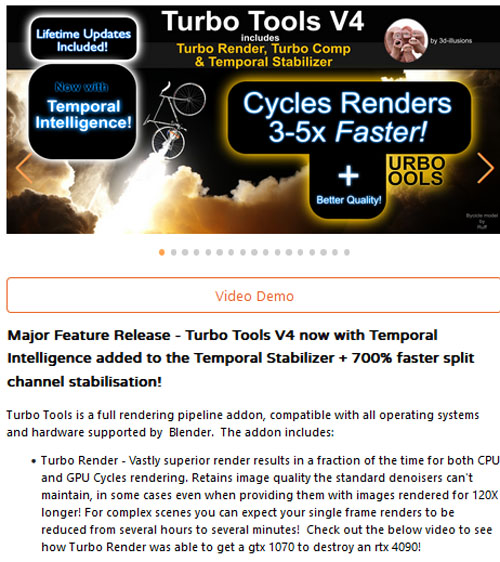
Blender – Turbo Tools : Turbo Render, Temporal Stabilizer, & Turbo Comp (v4.0.1)
On 22-Sep-23
by
Blender – Turbo Tools : Turbo Render, Temporal Stabilizer,...
Blender – Turbo Tools : Turbo Render, Temporal Stabilizer,...

Blendermarket - Bundle - BoxCutter v7.19.6.4 & HardOps/Hops 0.9.87.26
On 31-Jan-22
by
Blendermarket - Bundle - BoxCutter v7.19.6.4 &...
Blendermarket - Bundle - BoxCutter v7.19.6.4 &...

CorelCAD 2019 v19.0.1.1026 SP0 Win
On 02-Apr-19
by
CorelCAD 2019 v19.0.1.1026 SP0 Win...
CorelCAD 2019 v19.0.1.1026 SP0 Win...
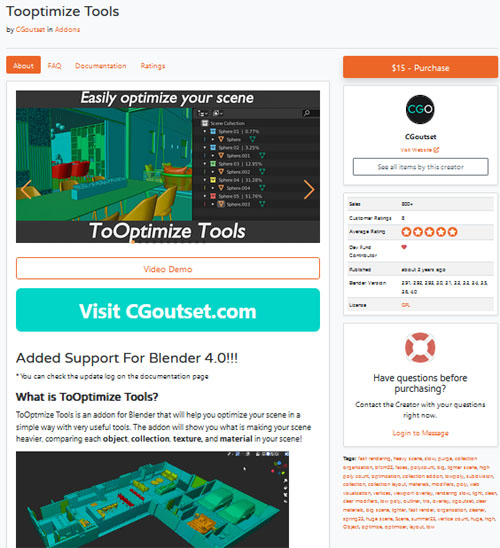
ToOptimize Tools v1.2.7.3 for Blender
ToOptimize Tools
ToOptimize Tools provides a comprehensive set of optimization tools designed specifically for Blender, a popular 3D creation suite. These tools are meticulously crafted to enhance the efficiency and productivity of 3D artists and designers working within the Blender environment. From mesh optimization and UV unwrapping to material and rendering optimization, ToOptimize Tools offers a diverse range of features aimed at streamlining the creative process. By addressing various optimization aspects within Blender, these tools empower users to focus more on their artistic vision and less on technical hurdles, ultimately fostering a smoother and more rewarding 3D design experience.
Features of ToOptimize Tools
Mesh optimization: Optimize the topology of your meshes to reduce the number of polygons while preserving the shape and details. This can improve performance and reduce file sizes.
UV unwrapping tools: Unwrap your UVs efficiently with a variety of tools, including automatic unwrapping, packing, and straightening.
Material optimization: Optimize your materials to reduce the number of textures and improve rendering performance.
Rendering optimization: Optimize your render settings to speed up rendering times and improve image quality.
Other optimization tools: ToOptimize Tools also includes a variety of other optimization tools, such as a scene cleanup tool, a batch processing tool, and a performance profiler. These tools can help you to identify and fix performance bottlenecks in your scenes.
https://blendermarket.com/products/tooptimize-tools?search_id=28704840
Warning! You are not allowed to view this text.
DOWNLOAD

If link broken, comment under article, we will update it
Category: Other Vendors
Information
Users of Guests are not allowed to comment this publication.