
Blender - EV Express (v10.4.8)
BBlK
27-Sep-23
0
Related Articles
Blendermarket - Eevee Production Suite
On 10-May-22
by
Blendermarket - Eevee Production Suite...
Blendermarket - Eevee Production Suite...
Eevee Production Suite (v.10.4.8)
On 20-Jun-22
by
Eevee Production Suite (v.10.4.8) ========== Detail link:...
Eevee Production Suite (v.10.4.8) ========== Detail link:...

Coffee Machine Breville Barista Express
On 21-Aug-16
by
Coffee Machine Breville Barista Express max | fbx | 3D...
Coffee Machine Breville Barista Express max | fbx | 3D...
[3DMax] Coffee Machine Breville Barista Express
On 17-Jul-15
by
Coffee Machine Breville Barista Express max | fbx | 3D...
Coffee Machine Breville Barista Express max | fbx | 3D...
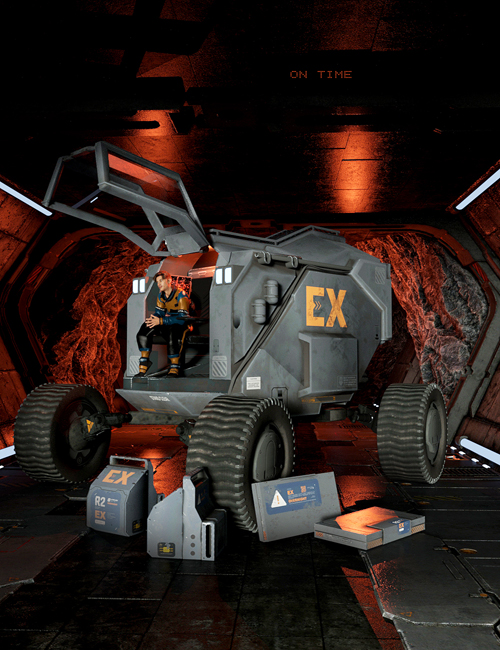
Galactic Express
On 16-Feb-24
by
Galactic Express Detail link: Galactic Express, when you...
Galactic Express Detail link: Galactic Express, when you...
Blender - EV Express (v10.4.8)
Blender - EV Express (v10.4.8) [Repost]
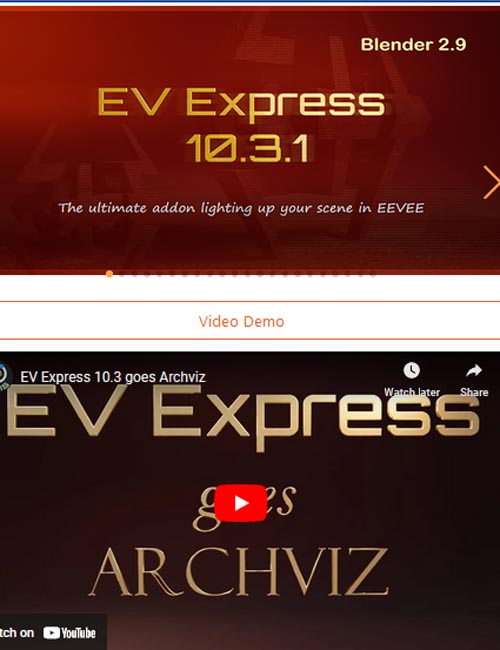
What is the EV Express addon?
EV Express is an add-on that speeds up tremendously the workflow setting up a scene in EEVEE to showcase your model. No more hassle adjust all the render settings, shadows, contact shadows, probes, etc. Per April 15 you can use the EV Express add-on also for Cycles, see FAQ.
How does EV Express speed up the workflow?
The core: Probably you know that when want to render quickly out your model, you need lights, background and floor, irradiance volume probe, and reflection probe. For a quick job, there are too many settings to adjust. You need to line up the irradiance volume, change settings, change light settings, etc. Now with the EV Express, you can skip all that. Just click on one of the 32 thumbnails and it will place 11 lights in the scene, a backdrop, and probes. The lights consist of two light rigs. And the backdrop is the parent for the irradiance volume and the probes. Everything (render, light, probes) have already the best setting known. Additionally in the core of EV Express, a global shader is included, more about that later.
Supported Blender Version : 2.8, 2.81, 2.82, 2.83, 2.9, 2.91, 2.92, 2.93, 3.0, 3.1, 3.2, 3.3, 3.4
(Seems to be working okay with 3.6 so far)
https://blendermarket.com/products/ev-express
Warning! You are not allowed to view this text.
DOWNLOAD

If link broken, comment under article, we will update it
Category: Other Vendors
Information
Users of Guests are not allowed to comment this publication.