
Blender Market – Auto Eye V3
cod2war
23-Feb-20
0
Related Articles

Blender Market - Auto-Rig Pro 3.41.59 for Blender 2.8
On 16-Aug-19
by
Blender Market – Auto-Rig Pro 3.41.59 for Blender 2.8...
Blender Market – Auto-Rig Pro 3.41.59 for Blender 2.8...

Blender - Auto-Rig Pro Complete 3.40 / 3.41.20
On 04-Apr-19
by
Blender – Auto-Rig Pro Complete 3.40/3.41.20 The full...
Blender – Auto-Rig Pro Complete 3.40/3.41.20 The full...

Blender Market - Auto Rig Pro v3.43.22 and Softwrap Dynamics For Retopology v1.0
On 23-Nov-19
by
Blender Market – Auto Rig Pro v3.43.22 and Softwrap...
Blender Market – Auto Rig Pro v3.43.22 and Softwrap...
Blender – Auto-Rig Pro (v3.68.59)
On 07-Sep-23
by
Blender – Auto-Rig Pro (v3.68.59) Blender – Auto-Rig Pro...
Blender – Auto-Rig Pro (v3.68.59) Blender – Auto-Rig Pro...
Auto-Building 1.2.3 Addon - BLENDER 4x
On 13-May-24
by
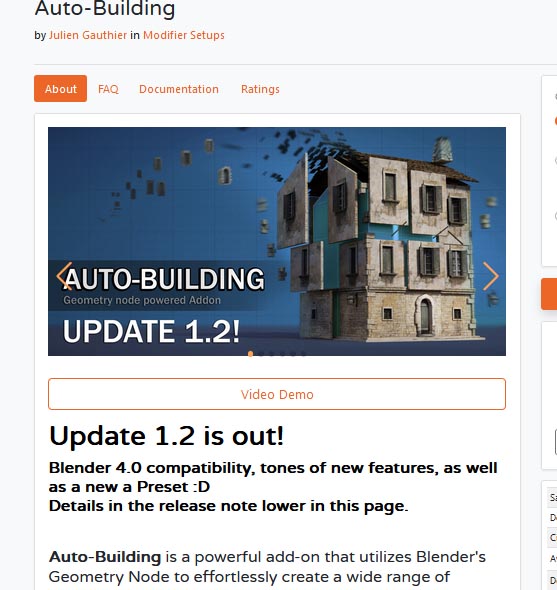
Auto-Building 1.2.3 Addon - BLENDER 4x Auto-Building is a...
Auto-Building 1.2.3 Addon - BLENDER 4x Auto-Building is a...

Blender Market – Auto Eye V3
==========
Info:
What is it?
Auto Eye is a 100% procedural generated eye for Blender Cycles and Eevee, fully customizable and focused on make easy to create a wide variety of styles. From realistic to cartoon and even animal eyes, like cat eyes.
Why you need Auto Eye?
The eyes are one of the first things you look at on a character. Nice looking eyes will make your character look alive and Auto Eye will help you in that.
Features
Faster workflow
Easy customization
Unlimited resolution
Low storage cost
Unlimited resolution!
Since Auto Eye uses procedural textures, you don’t need to worry about resolution. Your eyes will hold well even for close up cameras.
Animation friendly
For animation, you can turn off the visibility of the cornea in the viewport and see where your character are looking at in Solid mode.
Texture baking
With the Auto Eye it’s also possible to bake the color texture to use it in other software as you want. There is a dedicated blend file for that, it’s very simple to use. You just customize the Auto Eye as you like, set the render size and render it as you normally would for a image render.
DOWNLOAD

If link broken, comment under article, we will update it
Category: Other 3D
Information
Users of Guests are not allowed to comment this publication.