
Photobacks Cartoon 1.0.5 Plugin for Photoshop (Win/Mac)
cod2war
14-Dec-17
0
Related Articles
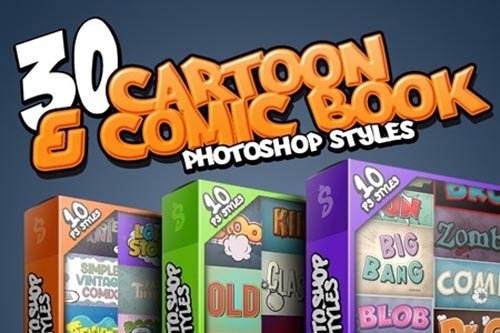
Cartoon and Comic Book Styles Bundle 4 25683872
On 04-Mar-20
by
Cartoon and Comic Book Styles Bundle 4 25683872 ASL PSD |...
Cartoon and Comic Book Styles Bundle 4 25683872 ASL PSD |...
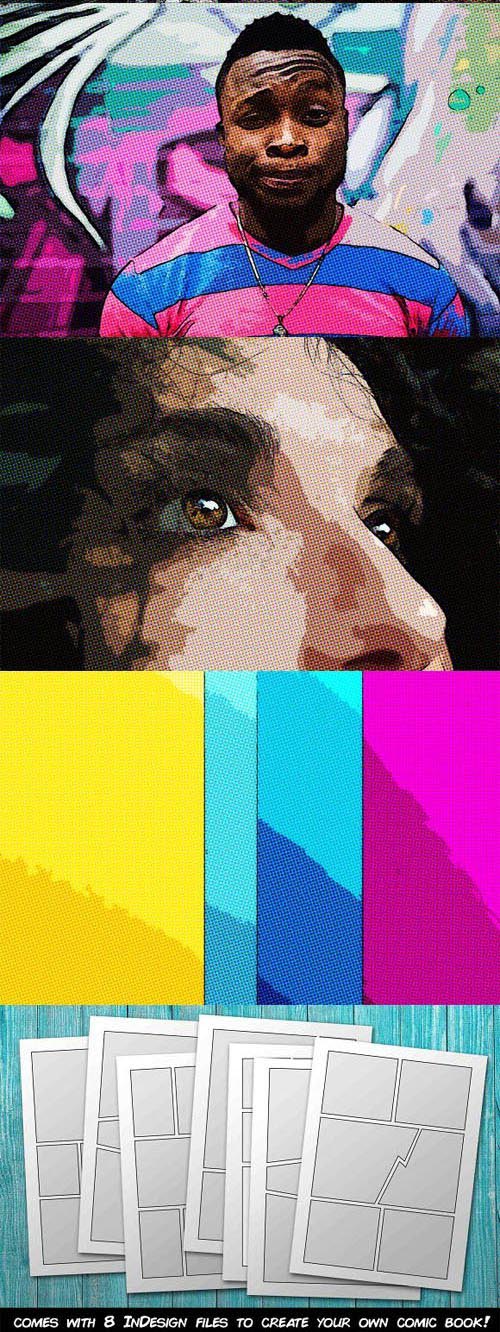
Comic Book Action Kit for Photoshop + InDesign Templates
On 26-May-21
by
Comic Book Action Kit for Photoshop + InDesign Templates...
Comic Book Action Kit for Photoshop + InDesign Templates...
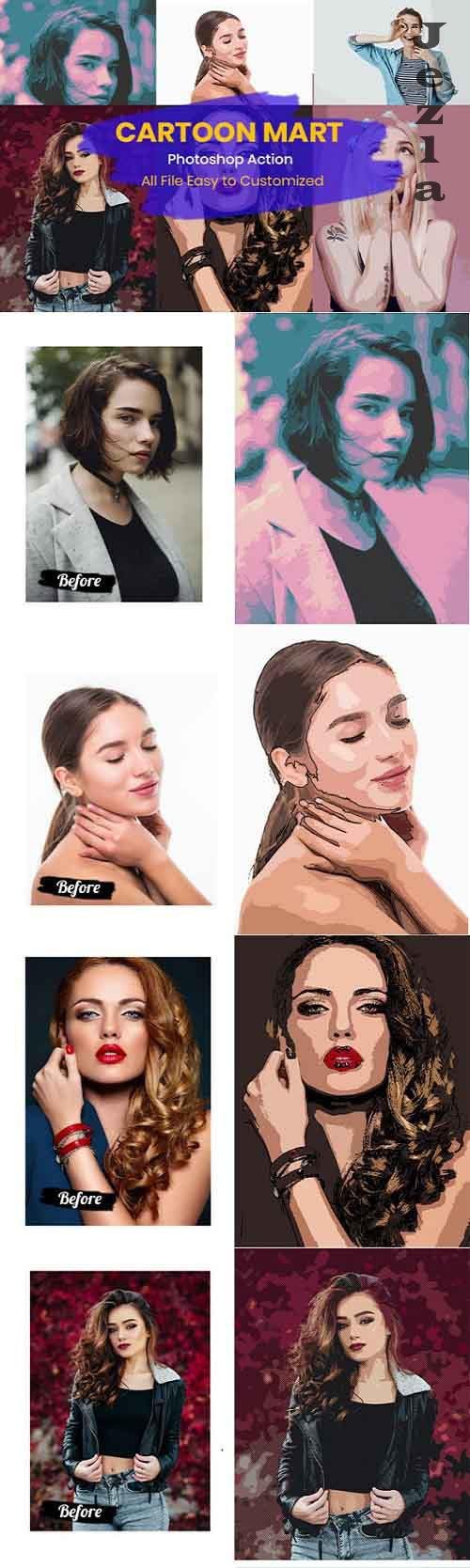
9 Cartoon Mart - Photoshop Action
On 03-Sep-20
by
9 Cartoon Mart - Photoshop Action ATN | 1 Mb ==========...
9 Cartoon Mart - Photoshop Action ATN | 1 Mb ==========...
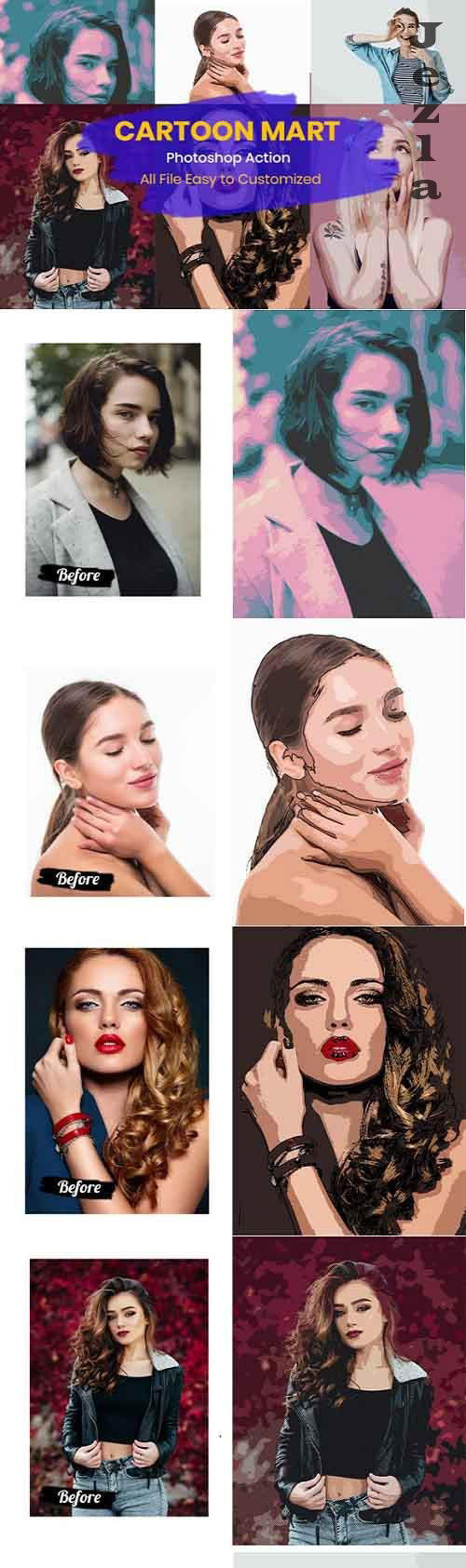
9 Cartoon Mart - Photoshop Action
On 25-Aug-20
by
9 Cartoon Mart - Photoshop Action ATN | 1 Mb ==========...
9 Cartoon Mart - Photoshop Action ATN | 1 Mb ==========...

GraphicRiver - Cartoon and Comic Book Styles Bundle 2 8781248
On 19-Aug-15
by
GraphicRiver - Cartoon and Comic Book Styles Bundle 2...
GraphicRiver - Cartoon and Comic Book Styles Bundle 2...

Photobacks Cartoon 1.0.5 Plugin for Photoshop (Win/Mac) | 9 MB
DOWNLOAD
Transform any photo into a colorful cartoon imageWith a simple click in Photoshop, create amazing, cartoon images from any photo. Perfect for any subject or occasion Great for portraits, pets, weddings, engagements, teens, sports and much, much more
Create exciting comic book style images
Click the Comic button on the Photobacks Cartoon panel and make any image look as though it were printed in an old school comic book, with a “dotted” print effect applied. Add speech bubbles, borders, captions and more
Produce ink or pencil drawings in seconds
Easily create outstanding ink or pencil drawings of any image. Plus, you can always edit your images using any adjustments from the Cartoon panel or Photoshop in general.
Add Speech Bubbles to any image
Just one click for any of eight preset speech bubbles Simply edit the included text layers to say anything you want with ease Click the panel’s “Reverse” button to easily switch the direction of the bubble’s tail. Plus, bubbles are (vector) shapes, allowing you to edit their paths to truly customize for any image (as shown in the included video tutorials).

If link broken, comment under article, we will update it
Category: Other 3D
Information
Users of Guests are not allowed to comment this publication.