
Constructing Glyphs for Logos by Hand in Illustrator
cod2war
05-Mar-16
0
Related Articles
![[Tutorials] Learn to Design a Logo in Adobe Illustrator](http://i.imgur.com/JHvB0Fs.jpg)
[Tutorials] Learn to Design a Logo in Adobe Illustrator
On 07-Aug-15
by
Learn to Design a Logo in Adobe Illustrator Duration: 4.5...
Learn to Design a Logo in Adobe Illustrator Duration: 4.5...
![[Tutorials] Create your own Set of Social Media Vector Icons with Adobe Illustrator](http://i.imgur.com/8miQRKz.jpg)
[Tutorials] Create your own Set of Social Media Vector Icons with Adobe Illustrator
On 14-Jun-16
by
Create your own Set of Social Media Vector Icons with...
Create your own Set of Social Media Vector Icons with...
Adobe Illustrator CC 2019 v23.0.1.540 Win x64
On 10-Nov-18
by
Adobe Illustrator CC 2019 v23.0.1.540 Win x64...
Adobe Illustrator CC 2019 v23.0.1.540 Win x64...
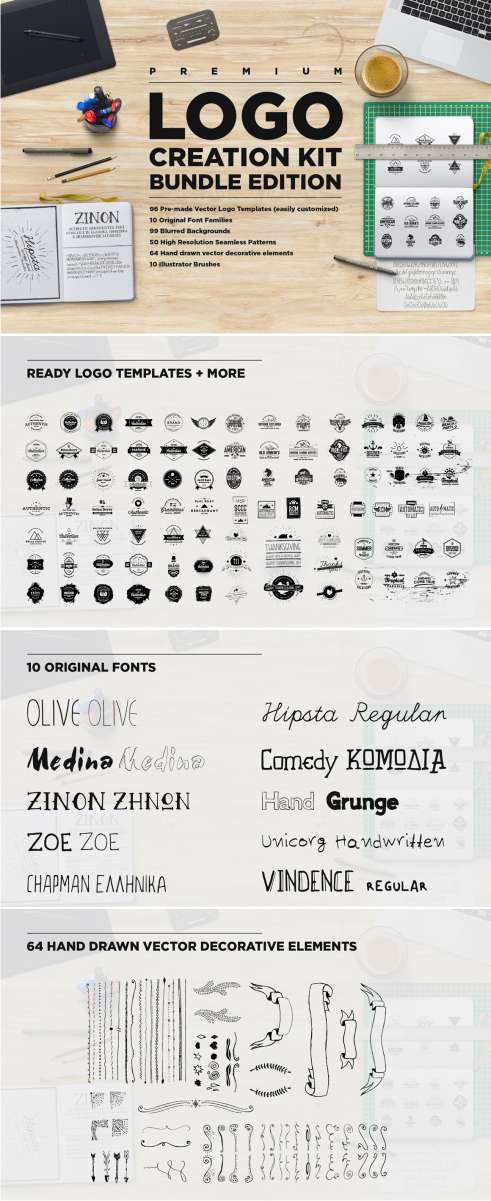
Logo Creation Kit Bundle Edition id 512064
On 05-Mar-16
by
Logo Creation Kit Bundle Edition 512064 Ai Illustrator |...
Logo Creation Kit Bundle Edition 512064 Ai Illustrator |...
![[Tutorials] Text based Logo Design for Business Using Adobe Photoshop](http://i72.fastpic.ru/big/2015/0806/52/5f57f61ed091ddcc7e125a862edbf752.jpg)
[Tutorials] Text based Logo Design for Business Using Adobe Photoshop
On 07-Aug-15
by
Text based Logo Design for Business Using Adobe Photoshop...
Text based Logo Design for Business Using Adobe Photoshop...

Constructing Glyphs for Logos by Hand in Illustrator
Duration: 1hr 29m | Video: h264, yuv420p, 1280x720 30fps | Audio: aac, 44100 Hz, 2 ch | 308 MB
Genre: eLearning | Language: English
DOWNLOAD
Software required: Creative Cloud 2015, Illustrator CC, Photoshop CC.
In this course, we cover how Adobe Illustrator can help you recreate vector logo art and, by the end, you'll be able to use these techniques on any similar logo project you have in mind for use in 3D mapping, 3D extrusion, websites, apps, or print...
The perfect course for designers and artists who already have some basic knowledge of Adobe Illustrator, and are called upon to recreate a vector retro logo from nothing but a scan because the font that made up the original logo is either non-existent or unfindable in the timeframe that is given. In this course, we cover how Adobe Illustrator can help you recreate vector logo art and, by the end, you'll be able to use these techniques on any similar logo project you have in mind for use in 3D mapping, 3D extrusion, websites, apps, or print.

If link broken, comment under article, we will update it
Category: Other 3D
Information
Users of Guests are not allowed to comment this publication.