
Udemy - Learn to Sculpt Hair and Fur with ZBrush's Fibermesh - English
phuongdzu
09-Oct-15
2
Related Articles

Udemy - Create Realistic 3D Hair With Zbrush and Maya (Fibermesh)
On 22-Jan-18
by
Udemy – Create Realistic 3D Hair With Zbrush and Maya...
Udemy – Create Realistic 3D Hair With Zbrush and Maya...

Lynda - ZBrush: Making Hair with FiberMesh
On 22-Jan-17
by
Lynda – ZBrush: Making Hair with FiberMesh Intermediate |...
Lynda – ZBrush: Making Hair with FiberMesh Intermediate |...
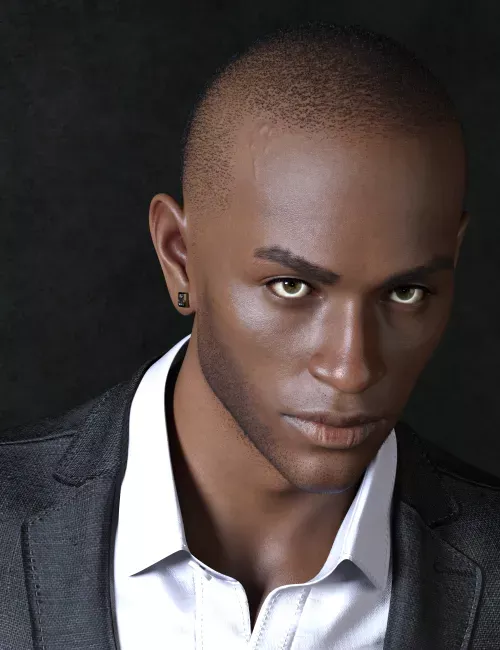
Phx Jayson HD for Genesis 9
On 20-Dec-25
by
Jayson is a custom figure based on Genesis 9, featuring...
Jayson is a custom figure based on Genesis 9, featuring...
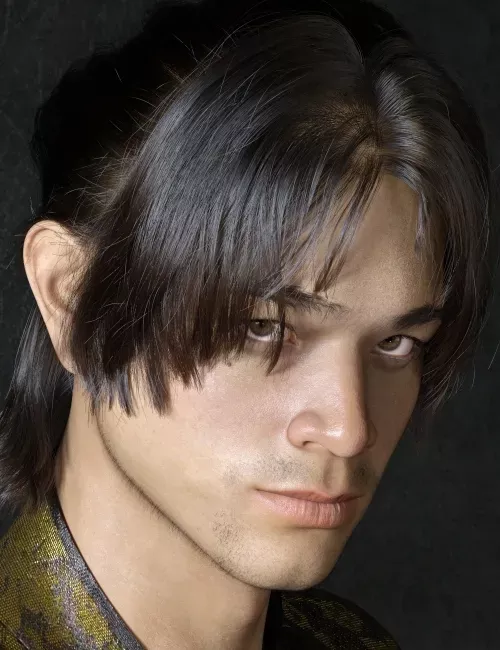
Phx Han HD for Genesis 9 Masculine
On 28-Jan-26
by
Han is a custom figure sculpted from the Genesis 9...
Han is a custom figure sculpted from the Genesis 9...
![[Tutorials] Udemy - Create Fun Monsters in ZBrush 4 R7 - learn to sculpt in 3D](http://i.imgur.com/wrJZLyg.jpg)
[Tutorials] Udemy - Create Fun Monsters in ZBrush 4 R7 - learn to sculpt in 3D
On 15-Nov-15
by
Udemy - Create Fun Monsters in ZBrush 4 R7 - learn to...
Udemy - Create Fun Monsters in ZBrush 4 R7 - learn to...

Udemy - Learn to Sculpt Hair and Fur with ZBrush's Fibermesh
DOWNLOAD
Master the principles of detailing your creatures and characters with this powerful tool!
In this series, we'll be introduced to the world of Fibermesh in Zbrush. We'll first use Fibermesh on a simple plane and using some of the many groom brushes to 'brush' the hairs. We'll then move onto adjusting hairs with symmetry as well as doing some polypainting on the hairs for colour. We'll then go over some hair styling ideas for what we might want to create for our main Horn Head mesh by examining some painted hair layers in Photoshop. Once we decide on a style, we'll then use Fibermesh to start to create each hair element (beard, stubble, goatee, etc) individually and then we'll use the groom brushes to add more natural variations to the fibers/hairs we create.
Finally, we'll use polypainting to color and tint the hair on the Horn Head's face to something more naturalistic and complimentary to the character. A final render to see how it all turns out and then looking at the render pass in Photoshop will complete our whirlwind introduction to Fibermesh!
Homepage:_www.udemy.com/3dmotive-learn-to-sculpt-hair-and-fur-with-zbrushs-fibermesh/
DOWNLOAD HERE :
http://seekvn.com/file/e1779271743198b71cf5156b20ec8472/UdLearnSculptHairAndFurZBrushsFiber.part1.rar.html
http://seekvn.com/file/df84ada181d5079b9c8259d4b4586971/UdLearnSculptHairAndFurZBrushsFiber.part2.rar.html
http://seekvn.com/file/7a18c8a6fa58c0b90a316fbed6553060/UdLearnSculptHairAndFurZBrushsFiber.part3.rar.html
http://seekvn.com/file/8ca59986476cae6c17389b8c92d08539/UdLearnSculptHairAndFurZBrushsFiber.part4.rar.html

If link broken, comment under article, we will update it
Category: Other 3D
Comments (2)
Information
Users of Guests are not allowed to comment this publication.