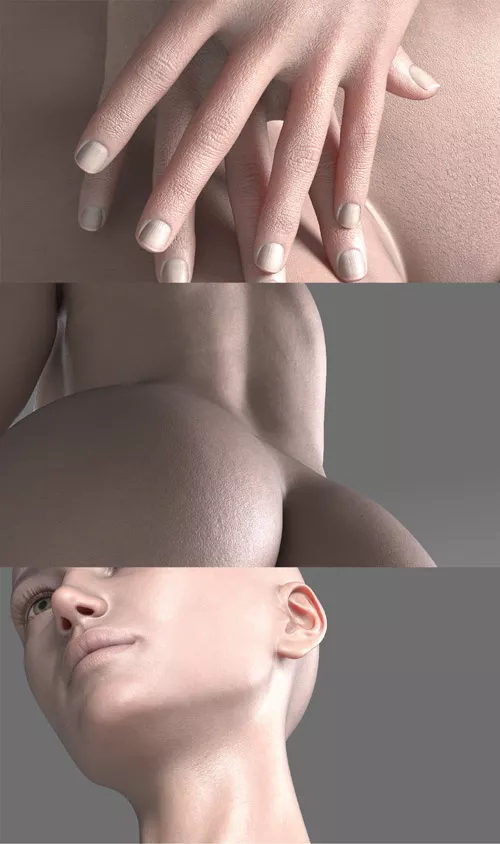
Genesis 9 Skin detail converted to Genesis 8.1 Female.
Setup-
0.) Apply a PBR skin
1.) Add or replace existing detail textures
1.1) Remove any Detail weight maps (or not, personal preference)
2.) Remove Detail Roughness Specular Multiplier map, This one doesn't need it.
3.) Set Detail Horizontal and Vertical maps to 1 each, this isn't a tiled texture.
TIP- Since lots of G3 and some G8 characters come with their own UV, you'll need to switch to base UV for this to work.
Conversion isn't perfect and never will be, enjoy.
Required Product:1-Click PBRSkin
DOWNLOAD HERE
Warning! You are not allowed to view this text.