Look At My Hair v1.6.0.1

Admin2 11-Jun-16 13
Related Articles
Look At My Hair [UPDATE v1.6.0.1]
On 18-Jan-26 by
NOW UPDATED TO VERSION 1.6! See Feature List for new...
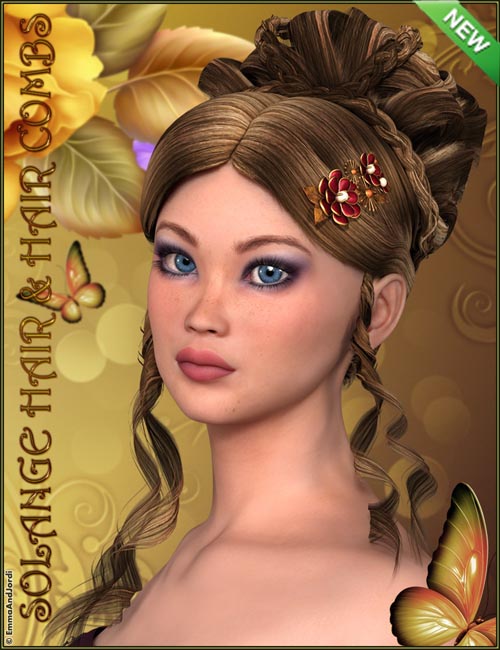
Solange Hair and Hair Combs
On 22-Jul-16 by
...
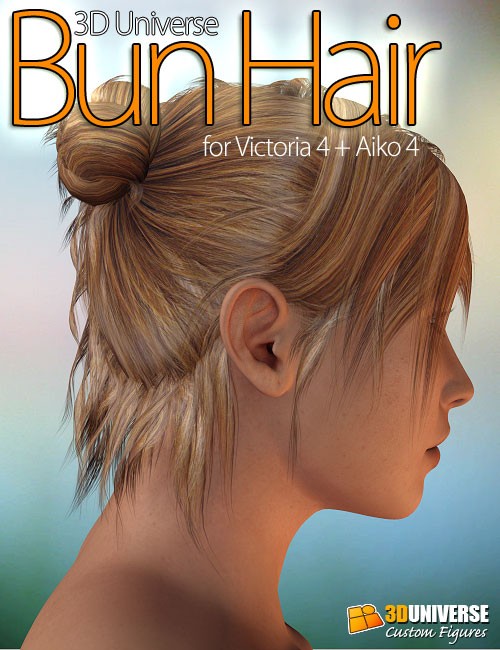
V4A4 Bun Hair
On 25-Apr-15 by
...
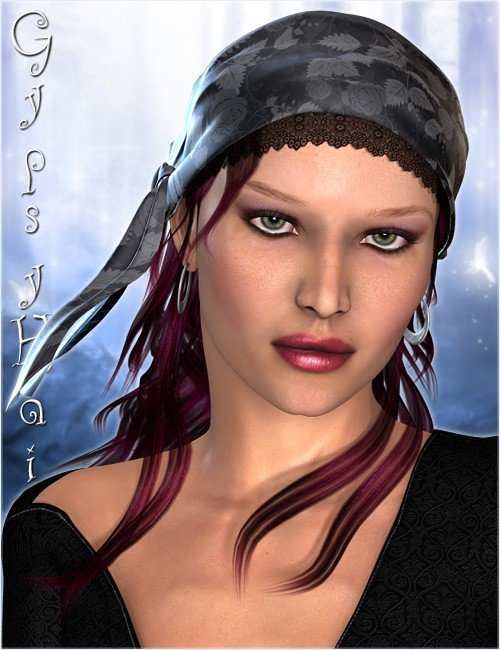
Gypsy Hair
On 05-Aug-14 by
...
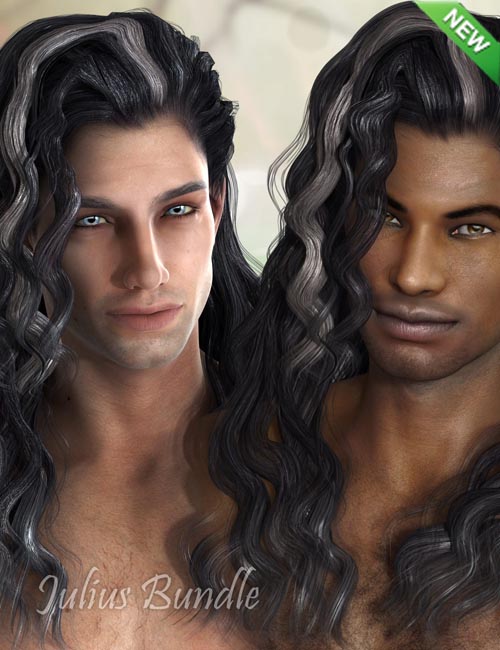
Julius Hair Bundle
On 27-Sep-14 by
...

Look At My Hair v1.6.0.1

NOW UPDATED TO VERSION 1.6! See Feature List for new features.

After buying the 1.6 Store version, please come and join the All Customer Beta Program at: http://bugzilla.look-at-my-hair.com/

Look at my Hair is a revolutionary plugin designed for DAZ Studio 4.5 that allows you to apply fur and hair to virtually any object or model.

The workflow is easy and straightforward thanks to the user-friendly interface.

Once you have loaded a model you can define follicle areas, grow the hair and style it as a real barber would do by combing, cutting and even scaling the hair.

In addition to styling there is also a wide range of deformers available that allow you to shape the hair and quickly define a basic model that you can further refine by applying frizz effects, random roots and lengths, and much, much more.

The possibilities are endless and limited only by your creativity and imagination.

Look at my Hair includes density maps which are extremely useful by allowing you to paint directly on the model in 3D and define the hair density for each surface.

The material setup window is used to apply one of the available human hair color presets, specify your own colors, or apply model texture maps that will be used to gather additional hair colors.

Once you are satisfied with the result of your creation, the plugin allows you to export the hair as RenderMan curves, a collection of .obj files or you can even use instancing and replace hair with any object of your choice.

Don't forget to bookmark and visit the Look at my Hair blog at www.furrythings.com regularly.

New presets will be added to the existing library, providing you with an excellent from whic to kick start your furry creations collection.

More detailed information is available in the manual available from the ReadMe page.

I am also available to provide the best technical support I can as well as useful tips and tricks.

Update v1.6.0.1 on 2016-07-16 - added support for Genesis 3, various stability and performance fixes

Detail: https://docs.daz3d.com/public/read_me/index/15548/start

DOWNLOAD

Warning! You are not allowed to view this text.

DOWNLOAD:You must login to show this link. No account? Create Account Category: Daz3D
Comments (13)
  1. On 29 March 2016 18:53 bunnymomma said:
    Hi guys! Having a wee bit of trouble installing it! It wants an installation code and an activation code. I see a serial number in the serial number text, but how do I go about using it? Please forgive my stupidity! I would appreciate any help given, thank you so very much! lol
    Complaint
  2. On 11 June 2016 13:36 smw777 said:
    The uploaded v 1.5 is old.

    Read
    http://www.daz3d.com/catalogsearch/result/?q=15548
    Look At My Hair
    ~
    UPDATED TO VERSION 1.6!
    ~
    then,
    get v 1.6, & upload it.
    Complaint
  3. On 11 June 2016 19:56 mfreak said:
    I do insert the serial code and it asks to restart the app and "enjoy", when I restart Daz it asks again and repeat and it keeps going, did I missed something?
    Edit: All right, I figured it out, when the activation window pops up what you're supposed to do is: select a serial from the drop down box, then hit the C button, it'll copy the serial to the clip board, then click the activation link on the same window, the second blue one (forgot what it says), it'll take you to the activation site. IN THE SITE, on the first box (Personal Code) paste the copied serial then click activate, copy the second box (Serial Number) and go back to the activation window plug-in and paste on the second box (also called Serial Number) and on the third box (Activation Code) copy the same Activation Code number offered on the .txt doc that came with the .rar file you downloaded, click activate and restart daz. And in case you don't find this window, I did the following: load a figure that has a LAMH preset in it (RawArt has lots), then go to Window Tab> Panes(Tabs)> Look at My Hair, then with the model selected (the model, not the preset) click on "Show LAMH Editor" on the LAMH tab that you opened previously, then do what I mentioned early and you're gold...
    Complaint
  4. On 12 June 2016 05:44 bunnymomma said:
    Quote: mfreak
    I do insert the serial code and it asks to restart the app and "enjoy", when I restart Daz it asks again and repeat and it keeps going, did I missed something?
    Edit: All right, I figured it out, when the activation window pops up what you're supposed to do is: select a serial from the drop down box, then hit the C button, it'll copy the serial to the clip board, then click the activation link on the same window, the second blue one (forgot what it says), it'll take you to the activation site. IN THE SITE, on the first box (Personal Code) paste the copied serial then click activate, copy the second box (Serial Number) and go back to the activation window plug-in and paste on the second box (also called Serial Number) and on the third box (Activation Code) copy the same Activation Code number offered on the .txt doc that came with the .rar file you downloaded, click activate and restart daz. And in case you don't find this window, I did the following: load a figure that has a LAMH preset in it (RawArt has lots), then go to Window Tab> Panes(Tabs)> Look at My Hair, then with the model selected (the model, not the preset) click on "Show LAMH Editor" on the LAMH tab that you opened previously, then do what I mentioned early and you're gold...


    Hi! Have you ever had a problem with DAZ Studio crashing after trying to run LAMH?
    Complaint
  5. On 12 June 2016 13:32 mfreak said:
    Quote: bunnymomma


    Hi! Have you ever had a problem with DAZ Studio crashing after trying to run LAMH?


    It depends, it crashes by just attaching the LAMH preset, when rendering or just by opening the LAMH editor? Or something else?
    I had a crash problem during rendering way back in the day, but the reason is 'cause I had a geo-graft attached that wasn't part of the original LAMH preset (you know, the dirty bits), so I needed to un-fit from genesis and just parent it to the pelvis without fitting.
    Complaint
  6. On 12 June 2016 19:50 bunnymomma said:
    Quote: mfreak
    Quote: bunnymomma


    Hi! Have you ever had a problem with DAZ Studio crashing after trying to run LAMH?


    It depends, it crashes by just attaching the LAMH preset, when rendering or just by opening the LAMH editor? Or something else?
    I had a crash problem during rendering way back in the day, but the reason is 'cause I had a geo-graft attached that wasn't part of the original LAMH preset (you know, the dirty bits), so I needed to un-fit from genesis and just parent it to the pelvis without fitting.


    Hi! It crashes as I'm just trying to open it! I know I installed it right. I havent even entered any codes/keys yet!
    Complaint
  7. On 12 June 2016 21:08 mfreak said:
    Quote: bunnymomma


    Hi! It crashes as I'm just trying to open it! I know I installed it right. I havent even entered any codes/keys yet!

    Hmm, I don't know, maybe the Daz version has something to do with it, I'm running 4.6, try doing the same if you're running a newer version, mainly if it's a 4.9, heard that one F's up your stuff.
    Complaint
  8. On 13 June 2016 01:48 bunnymomma said:
    Quote: mfreak
    Quote: bunnymomma


    Hi! It crashes as I'm just trying to open it! I know I installed it right. I havent even entered any codes/keys yet!

    Hmm, I don't know, maybe the Daz version has something to do with it, I'm running 4.6, try doing the same if you're running a newer version, mainly if it's a 4.9, heard that one F's up your stuff.


    Yeah, its 4.9, alrightie! Well, at least Garibaldi works, heh heh!
    Complaint
  9. On 31 July 2017 01:24 Cowrie said:
    Doesn't work with 64bit windows. Site gives activation error.
    Complaint
  10. On 26 April 2018 09:45 hzhanjani said:
    pls reupload Rapidgator link request
    Complaint
  11. On 29 April 2018 09:57 Admin2 said:
    Updated
    Complaint
  12. On 31 December 2018 11:46 xxz03yxx said:
    This is not working on mac. need either a keygen or patcher.
    Complaint
  13. On 18 January 2019 10:57 angel79 said:
    Doesn't work with 64bit windows. Site gives Installation code error.
    Complaint
Information
Users of Guests are not allowed to comment this publication.