
FlexiKeys
BBlK
17-Aug-24
0
Related Articles
Wearables Manager
On 24-May-24
by
Wearables Manager Detail link: Have you ever experienced...
Wearables Manager Detail link: Have you ever experienced...
dForce Archmage
On 05-Jul-25
by
dForce Archmage Detail link: Have you ever wished your...
dForce Archmage Detail link: Have you ever wished your...
Morph Master
On 12-Jan-25
by
Morph Master Detail link: Have you ever wished you could...
Morph Master Detail link: Have you ever wished you could...
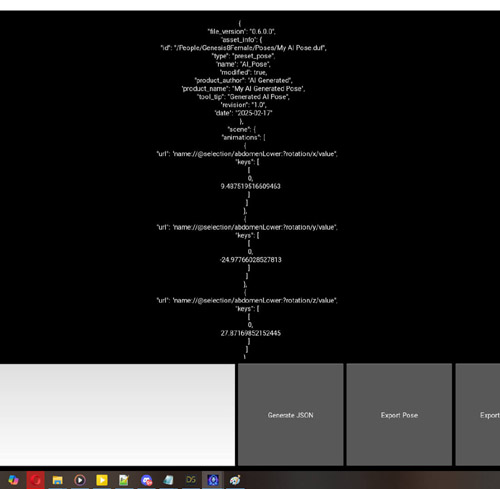
AI Pose Generator for DAZ3D Studio – Prompt Your Poses
On 01-Mar-25
by
AI Pose Generator for DAZ3D Studio – Prompt Your Poses...
AI Pose Generator for DAZ3D Studio – Prompt Your Poses...
Nevercenter Silo Pro 2024.0.0 Win x64
On 09-Nov-23
by
Nevercenter Silo Pro 2024.0.0 Win x64...
Nevercenter Silo Pro 2024.0.0 Win x64...
FlexiKeys
Detail link: https://www.daz3d.com/flexikeys
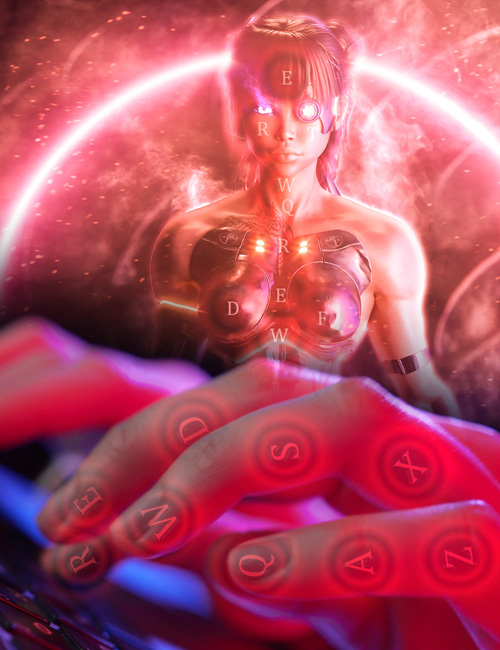
Have you ever thought how it would be great to press an arrow key to tweak the finger position instead of switching a Viewport tool and using the mouse, which can be cumbersome and less precise?
Would you like to pose your character from the default pose to whatever you desire while keeping your focus where it belongs—on your art—without a single distraction on any panel, slider, or button?
Would you like a system that adjusts to what you're currently working with, giving you instant access to the local bones' rotation and relevant figures' parameters—everything in an intuitive, user-friendly, and adjustable manner?
Would you like to manipulate multiple bones simultaneously as easily as a single one, switching selected elements in a flash?
If yes, you should know that we have listed just a small part of the possibilities that Matew's FlexiKeys could offer you.
What is FlexiKeys?
FlexiKeys is a game-changing extension for DAZ 3D Studio that empowers you to enhance your 3D modeling and animation workflow. With FlexiKeys, you can effortlessly control object and figure manipulations directly from your keyboard, ensuring precision and reducing reliance on mouse and panel interactions.
Matew's FlexiKeys is designed for novice and professional artists in the DAZ 3D community who seek a more intuitive, less disruptive way to bring their visions to life. With this tool, you can maintain an uninterrupted flow in your creative process by reducing the need to switch between different tools and panels.
This allows you to stay focused on your art, optimize your scene management, and enhance overall productivity. Let your creativity flourish with minimal interruptions and maximum efficiency using matew's FlexiKeys!
Warning! You are not allowed to view this text.
DOWNLOAD

If link broken, comment under article, we will update it
Category: Daz3D
Information
Users of Guests are not allowed to comment this publication.