
HedgeMaker
BBlK
30-Jul-24
0
Related Articles
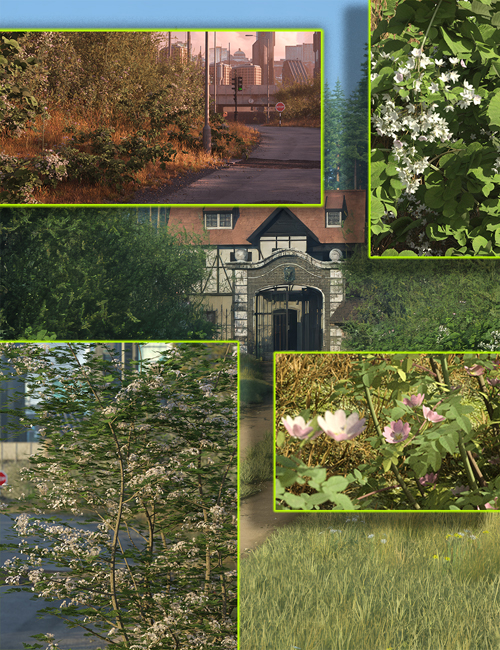
Hedgerow Kit Bundle
On 26-Aug-24
by
Hedgerow Kit Bundle Detail link: Details Plant a digital...
Hedgerow Kit Bundle Detail link: Details Plant a digital...

HedgeMaker
On 06-Aug-23
by
HedgeMaker Detail link: Warning! You are not allowed to...
HedgeMaker Detail link: Warning! You are not allowed to...

LowPi Crowd Generator Plus Extension
On 16-Dec-25
by
LowPi Crowd Generator Plus extension will take your LowPi...
LowPi Crowd Generator Plus extension will take your LowPi...
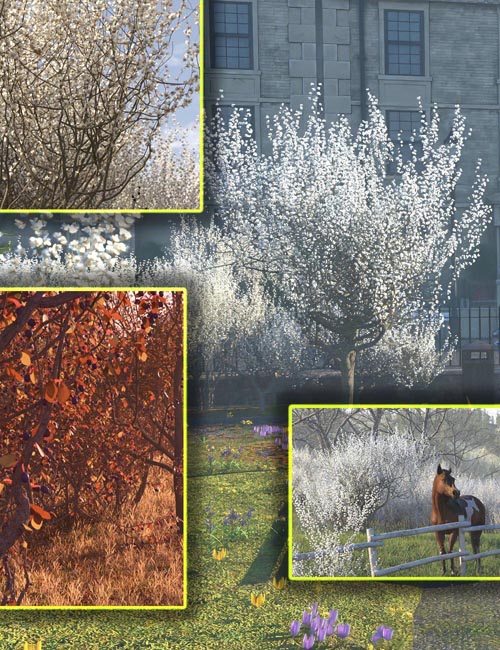
Hedgerow Kit 4 - Blackthorn Flowers and Fruits
On 27-Jun-25
by
Hedgerow Kit 4 - Blackthorn Flowers and Fruits Detail...
Hedgerow Kit 4 - Blackthorn Flowers and Fruits Detail...
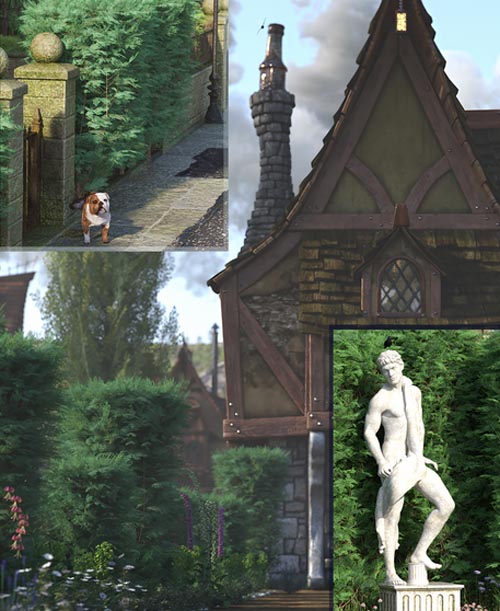
Lelandii Hedges - Conifer Clipped Hedges
On 13-Nov-23
by
Lelandii Hedges - Conifer Clipped Hedges They are...
Lelandii Hedges - Conifer Clipped Hedges They are...

HedgeMaker
Detail link: https://www.daz3d.com/hedgemaker
HedgeMaker is a fast and powerful, plugin-powered DAZ Studio Script product that enables you to create various kinds of hedges, roads, and any kind of lined-up things. The whole idea is to let you use all those trees, bushes, flowers, and other elements of nature to build hedges or flowerbeds with ease.
The product comes with several scripts, all powered by a plugin engine for speed. The engine both ensures fast GUI and fast operations when building hedges.
HM Set Builder is the tool you use to compose sets of props that you later use in HedgeMaker. Sets can be shared between users as they only contain information about the installed props and not the props themselves.
HedgeMaker is the core script that uses the sets and your imagination to build your hedges, where a hedge is constructed by any props you can think of. Look at the promo images for some ideas of what this product can help you achieve.
HM Mesh Merger is an essential tool that will merge two or more meshes into one mesh that you then can build a hedge on. This tool can also be used with, for example, the UltraScatter product.
The HM Sign Pole is the key to all this. You place several of them into the scene and they will automatically number themselves and the hedge will be build from number 1 to the last one. You can have up to 35 poles in one hedge.
HedgeMaker also comes with a set of pebbles, perfect for instancing, and a 25-page pdf manual that will guide you and teach you how it all works.
For great integration with the UltraScenery and UltraScatter products, HedgeMaker can generate a mask image to be used to mask out the location of the hedge.
Don't miss out on this versatile tool that not only adds more realism to your scenes, but it does it in a fast and easy way.
Warning! You are not allowed to view this text.
DOWNLOAD

If link broken, comment under article, we will update it
Category: Daz3D
Related Articles
Hedgerow Kit Bundle
On 26-Aug-24
by
Hedgerow Kit Bundle Detail link: Details Plant a digital...
Hedgerow Kit Bundle Detail link: Details Plant a digital...
HedgeMaker
On 06-Aug-23
by
HedgeMaker Detail link: Warning! You are not allowed to...
HedgeMaker Detail link: Warning! You are not allowed to...
LowPi Crowd Generator Plus Extension
On 16-Dec-25
by
LowPi Crowd Generator Plus extension will take your LowPi...
LowPi Crowd Generator Plus extension will take your LowPi...
Hedgerow Kit 4 - Blackthorn Flowers and Fruits
On 27-Jun-25
by
Hedgerow Kit 4 - Blackthorn Flowers and Fruits Detail...
Hedgerow Kit 4 - Blackthorn Flowers and Fruits Detail...
Lelandii Hedges - Conifer Clipped Hedges
On 13-Nov-23
by
Lelandii Hedges - Conifer Clipped Hedges They are...
Lelandii Hedges - Conifer Clipped Hedges They are...
Information
Users of Guests are not allowed to comment this publication.